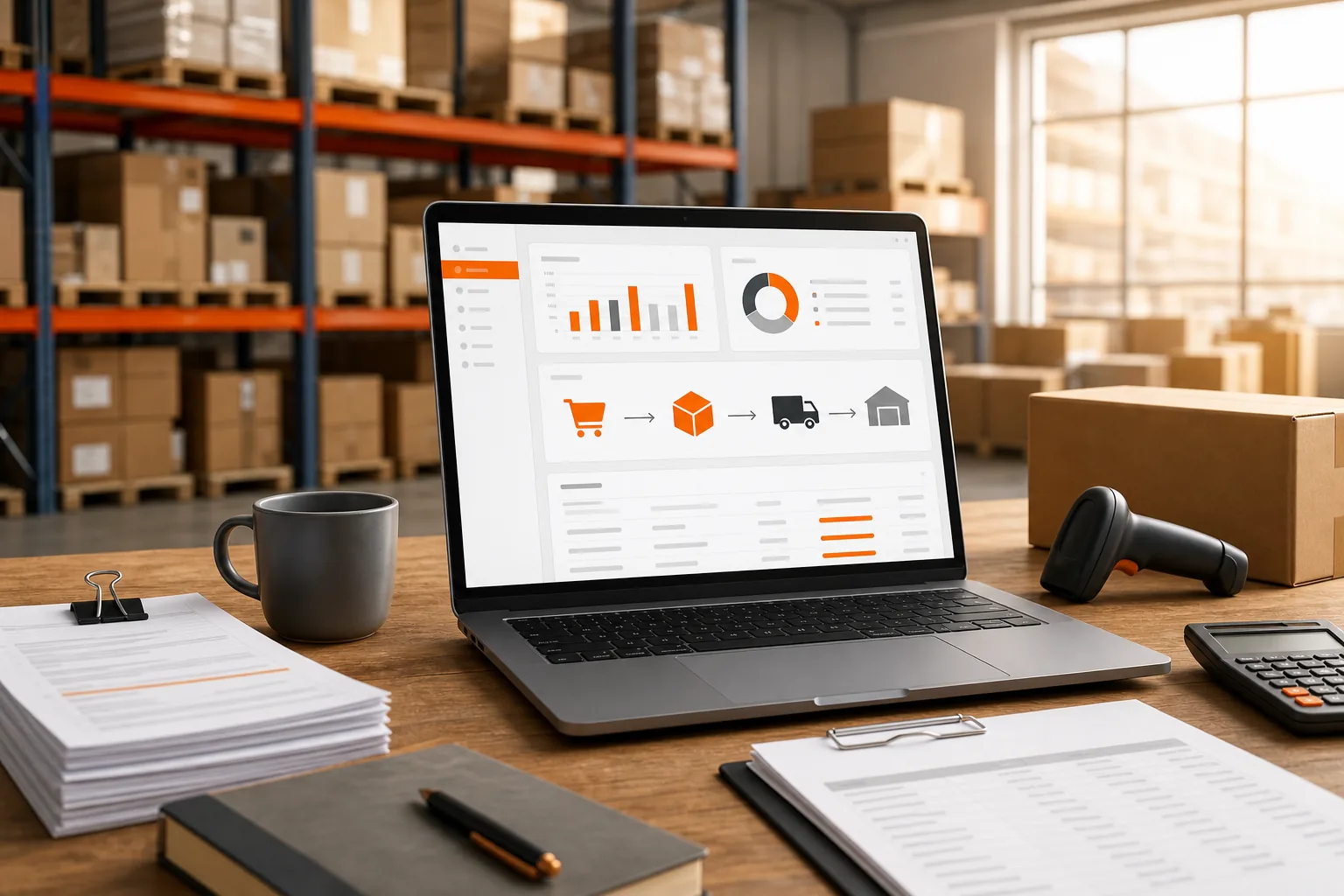
Stock counted in three places. Freight and duty landing weeks after the goods. A supplier invoice that no longer matches the order it belongs to. That workload can bury an Amazon FBA team in spreadsheets before the next purchase order is ready. An ERP for Amazon FBA connects sales, stock, purchasing, supplier data, and true product cost in one working system.
This guide explains how the setup works, what features matter, and where SupplyAutomate fits for sellers using Amazon, Shopify, and WooCommerce.
What ERP for Amazon FBA Means
ERP for Amazon FBA is business software that links your Amazon sales data with the rest of your operation. It gives you one place to manage stock, purchase orders, supplier records, shipment details, costs, and financial handoffs.
FBA means Amazon stores and ships your products. That sounds simple until the numbers spread across several systems. Amazon may show units in stock, a freight forwarder may hold shipment data, and a supplier may send a revised invoice by email. Your accounting file then needs the right cost for each unit.
An ERP pulls those records into a shared workflow. A sale can reduce available stock. A low-stock rule can point to a purchase order. A supplier invoice can attach to that order. Once freight, duty, insurance, and other import charges are assigned, the system can show landed cost. Landed cost is the full cost of getting one sellable unit ready for sale.
That last part is where many systems fall short. Enterprise suites tend to handle finance well and leave import charges in a spreadsheet, and a walkthrough of a NetSuite and Amazon Vendor Central integration shows how much of that work sits in the connector rather than the ERP. SupplyAutomate provides real-time landed-cost insight, and Cin7 lists tariff-clarity tools.
Good ERP design also starts with clean supplier data. Lead times, minimum order quantities, pack sizes, and unit costs need a home. Without those fields, a forecast can look neat while still sending the wrong order to a factory. A supplier evaluation matrix is a practical way to get those terms recorded before you migrate them.
For a plain definition of the wider category, enterprise resource planning is the integrated management of core business processes through shared software. Think of the ERP as the control room. Amazon is one sales and fulfillment channel inside it, not the whole business.
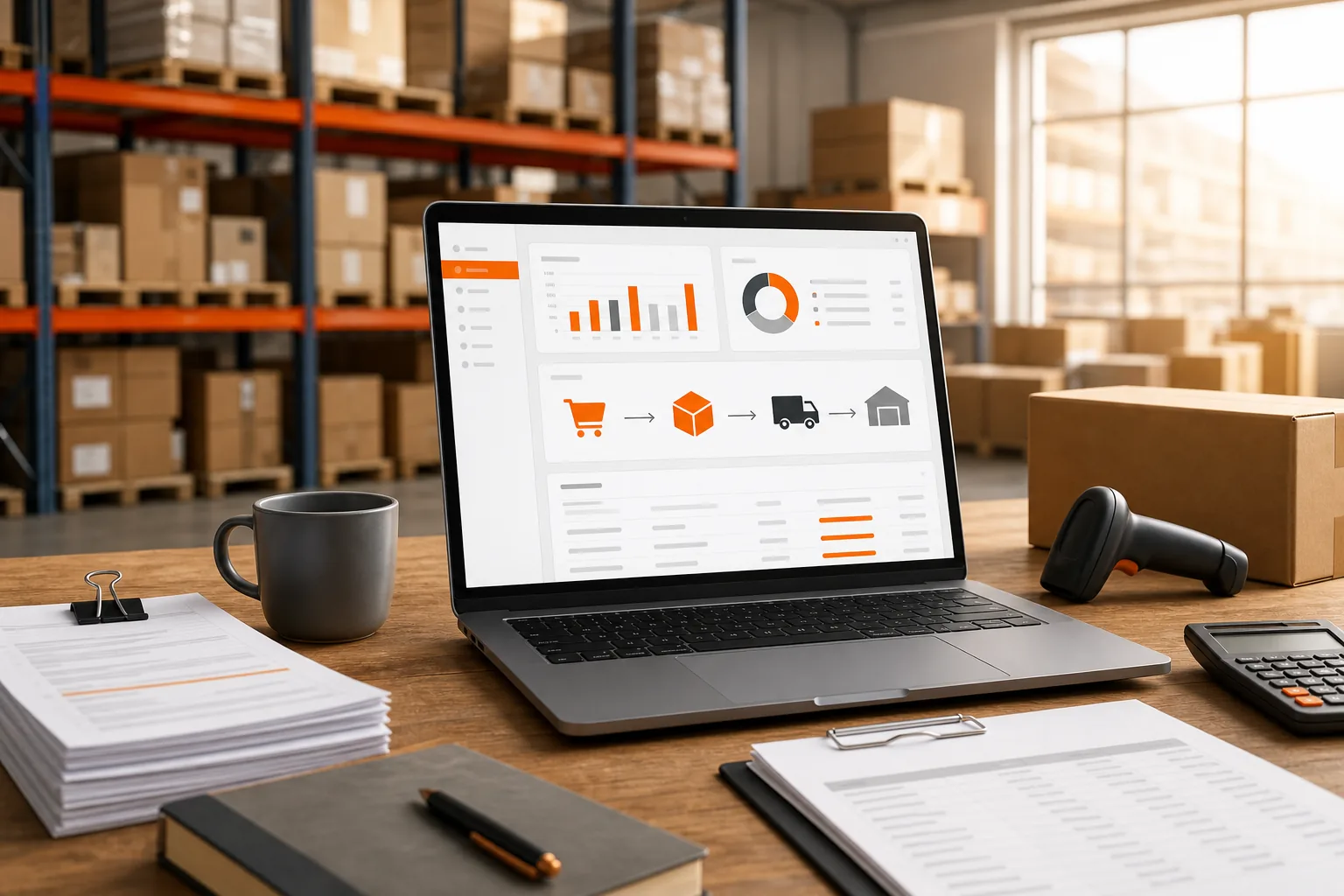
Key Takeaway: An Amazon FBA ERP should connect the sale to the stock movement, supplier order, shipment cost, and final margin.
How an Amazon FBA ERP Connects Orders, Inventory, and Suppliers
Amazon FBA data becomes useful when the system can follow an item through its full path. The path starts with demand and ends with a margin figure you can trust.
First, the ERP imports or receives order data from Amazon. It matches the order to the right SKU, which is the stock keeping unit used to identify a product. If you also sell through Shopify or WooCommerce, those orders enter the same stock picture. When Shopify is the larger channel, the Shopify ERP setup guide works through the same decisions from that side.
Next, the ERP updates inventory by location. Units may sit with a supplier, move by sea, wait at a port, sit in an Amazon fulfillment center, or remain in a third-party logistics warehouse. Each state affects what you can promise to shoppers.
Then the purchasing side takes over. A purchase order, or PO, tells a supplier what to make or ship. The ERP can hold the agreed unit cost, quantity, pack size, and expected date. When the supplier sends an invoice or packing list, the team can compare it with the PO instead of checking three spreadsheets. For eCommerce sellers evaluating this workflow, procurement software for Amazon FBA and Shopify sellers can help organize supplier purchasing decisions.
| Data point | What the ERP should do | Why the seller needs it |
|---|---|---|
| Amazon order | Match the order to the correct SKU | Shows demand and reduces manual entry |
| Inventory status | Separate available, inbound, reserved, and damaged units | Stops false stock counts |
| Purchase order | Store quantity, cost, supplier, and due date | Gives the team one buying record |
| Supplier document | Attach invoices and packing lists to the PO | Supports checks before payment |
| Freight and duty | Assign import charges to the shipment or SKU | Shows the cost behind the margin |
After the goods arrive, receiving data closes the loop. A partial receipt should not look like a full receipt. If fewer units arrive than the PO specifies, the open balance still matters for cash planning and replenishment.
The same logic applies to Shopify and WooCommerce. A store order should reduce the right stock pool, then move to the correct fulfillment path. If Amazon handles the shipment through a fulfillment service, the ERP needs to keep that order tied to the original channel and cost record.
For sellers still working from files, these free supply chain Excel templates can help structure purchase orders, packing lists, commercial invoices, supplier scorecards, and inventory tracking while you plan a more connected system.
The key test is simple: ask one question about a late SKU. "What did it cost, where is it now, and what should we buy next?" Your ERP should answer without a spreadsheet hunt.
The Capabilities Amazon FBA Sellers Actually Need
The best ERP for Amazon FBA is not the one with the longest feature page. It is the one that handles the messy handoffs in your daily work.
1. Order and inventory control
Start with channel sync. Amazon, Shopify, and WooCommerce should feed a shared view of demand. The system should also show where stock sits and which units are already committed.
That distinction matters during a launch. You may have 500 units on the water, 200 at Amazon, and 100 promised to wholesale buyers. A simple "in stock" number hides the risk. A useful ERP separates physical stock from available-to-sell stock.
2. Purchase orders and supplier records
Your ERP should keep supplier terms beside the PO. That includes agreed cost, lead time, minimum order quantity, pack size, and expected ship date.
Document processing can save more time than another dashboard. When a supplier sends an invoice, the system should read the key fields and file the document against the correct order. A buyer can then review exceptions instead of retyping every line, which is the case invoice processing software sets out in full.
3. Landed-cost visibility
Landed cost should include more than the factory quote. Freight, duty, customs fees, inspection, storage before sale, and other shipment charges can change the margin on a SKU.
SupplyAutomate focuses on real-time landed-cost insight for this reason. Its stated scope covers AI-driven supply chain work for Amazon FBA and Shopify sellers, with order, cost, and supplier communication workflows in the same product. You can also review the landed cost per unit formula and examples when setting up your own cost model, or the Amazon FBA landed-cost walkthrough for the fee side.
4. Document and exception handling
Automation should send unusual records to a person. It should not quietly approve a supplier invoice that differs from the PO.
- Flag a quantity mismatch.
- Show a changed unit cost.
- Mark a late shipment.
- Keep the source document beside the record.
This is where automation styles differ. SupplyAutomate centers on document processing. Other products emphasize demand forecasts, AI chat, carrier rules, advertising automation, or review and reimbursement work.
5. Margin views by channel
Revenue alone won't tell you if Amazon is winning. The view should account for product cost, freight, duties, marketplace fees, fulfillment fees, returns, and refunds where the data is available.
A seller may find that a Shopify order has a better gross margin than an FBA order, even when the selling price is the same. That insight can shape promotions, reorder timing, and channel strategy.
Pro Tip: Test one SKU through the full flow before importing your whole catalog. Use a recent PO, one supplier invoice, and one shipment with known freight charges.
Be wary of any system that promises perfect margin data without asking how you record duties, returns, storage, and adjustments. Cost rules need clear inputs.
How SupplyAutomate Fits Amazon FBA, Shopify, and WooCommerce Workflows
SupplyAutomate is built for sellers who need one supply chain view across Amazon FBA, Shopify, and WooCommerce. The fit is strongest when your pain sits between the sale and the supplier, rather than inside one marketplace dashboard.
Here's the workflow. Orders arrive from the connected sales channels. Inventory needs to stay tied to the right SKU. Supplier documents then enter the record instead of living in an email thread. The system reads those documents and helps connect them to the related order.
Costs get the same treatment. A factory invoice is only one part of what a unit costs. Freight and import charges can land later, which makes early margin reports misleading. SupplyAutomate's real-time landed-cost insights give the operator a way to review those costs as the shipment picture changes.
That matters when a product sells through two channels. Suppose the same SKU moves through Amazon FBA and your WooCommerce store. The sales price may look close, but fulfillment and import costs can differ. A shared cost view lets you ask the better question: "What did this order contribute after it reached the customer?"
Supplier communication also needs a clear trail. A buyer should be able to see what was ordered, what the supplier confirmed, which documents arrived, and what still needs review. That reduces the handoff gap between purchasing and finance, and the roundup of supplier management software compares the systems built to hold it.
SupplyAutomate positions its product for Amazon FBA sellers, Shopify store owners, eCommerce brand managers, and supply chain teams in small to mid-sized businesses. It is a focused choice for teams that want AI support around documents and cost data without buying a broad manufacturing suite.
There is a trade-off. A niche eCommerce ERP may not aim to cover every enterprise process. That can be a benefit if your daily work centers on orders, inventory, suppliers, and profitability across these three channels.

ERP for Amazon FBA vs. Seller Tools and Marketplace Dashboards
Seller tools and marketplace dashboards are useful, but they solve a narrower problem than an ERP for Amazon FBA. A dashboard may show sales, ads, refunds, or stock alerts. An ERP connects those signals to purchasing, supplier documents, landed cost, and accounting work.
| System type | Best at | Common gap | Use it when |
|---|---|---|---|
| Marketplace dashboard | Channel orders and account activity | Limited view of supplier and import cost | Amazon is your main channel and operations are simple |
| Seller operations tool | Ads, refunds, reviews, alerts, or keyword work | May not manage POs or landed cost | You need to improve one marketplace task |
| Broad ERP | Finance, inventory, purchasing, and wider business records | May require more setup than an eCommerce team wants | You have complex entities or formal finance needs |
| Focused eCommerce ERP | Channel orders, stock, suppliers, documents, and cost | May cover fewer industrial processes | Your business runs mainly through online sales channels |
The difference shows up during a reorder. A seller tool might alert you that stock is low. An ERP should help you check supplier lead time, open POs, inbound units, freight cost, and expected margin before you buy.
It also shows up during a finance review. The accounting team may ask why a SKU's margin changed. A connected ERP can point to a revised supplier invoice or a duty charge. A dashboard may only show the final result.
Some broad systems cover manufacturing, warehouse work, demand forecasting, and accounting links. Others focus on inventory, order management, production, or purchasing. Marketplace tools may focus on ads, reviews, refunds, reimbursements, or alerts. None of those areas is automatically the wrong choice. The question is where your operational gap lives.
Marketplace coverage is the easiest thing for a vendor to list and the least likely to answer a cost question, so check landed cost separately from the channel count. SupplyAutomate lists native connections for Amazon FBA, Shopify, and WooCommerce together, plus real-time landed-cost insight.
If your books need a final accounting record, review the landed-cost workflow for QuickBooks before you decide where cost adjustments should live.
Choose the system that answers your most expensive unanswered question. If that question is "how many units are left," a marketplace tool may be enough. If it is "what did this SKU really cost and when should we reorder," an ERP is the better fit.
ERP for Amazon FBA FAQ
What is ERP for Amazon FBA?
ERP for Amazon FBA is software that connects Amazon sales and fulfillment data with inventory, purchasing, supplier records, documents, costs, and finance workflows. It helps you follow each SKU from supplier order to customer sale. The strongest systems also separate available stock from inbound or committed units.
Do Amazon FBA sellers need an ERP?
Amazon FBA sellers need an ERP when spreadsheets and separate tools make stock, supplier, or margin data hard to trust. A small catalog with simple buying needs may not require one yet. The case becomes stronger when you sell on Shopify or WooCommerce, manage several suppliers, import goods, or review profitability by channel.
What should an Amazon FBA ERP track?
An Amazon FBA ERP should track orders, SKUs, inventory by location, purchase orders, supplier terms, inbound shipments, invoices, freight, duties, and landed cost. It should also show exceptions, such as a short receipt or changed supplier price. Channel margin is useful when Amazon orders share stock with direct-store sales.
Can an ERP connect Amazon FBA with Shopify and WooCommerce?
Yes, some eCommerce ERP systems connect Amazon FBA with Shopify and WooCommerce in one workflow. Confirm the exact integrations before buying. SupplyAutomate is positioned around these three channels, so it fits sellers who want shared order, supplier, document, and landed-cost processes.
What is landed cost in Amazon FBA?
Landed cost is the total cost of getting a unit ready to sell, not only the supplier invoice. It can include freight, duty, customs charges, inspection, and other import costs. For FBA sellers, a correct landed-cost view helps explain why a product with strong sales can still produce weak margin.
Conclusion
Choose an ERP that connects your sales channels to the work behind them. For Amazon FBA, Shopify, and WooCommerce sellers who need document automation and live landed-cost insight, SupplyAutomate is the clearest fit. Start with one active SKU, one open PO, and one supplier invoice. Check the full path before expanding the setup, and keep the final cost rules clear enough for both operations and finance.