
Most procurement software is built around purchase orders, approvals, and invoices. That misses a key problem for Amazon FBA and Shopify sellers: knowing what each product really costs after freight, duty, and supplier charges. Here are five named options, with SupplyAutomate first for e-commerce brands and a clear fit test for each tool.
1. SupplyAutomate
SupplyAutomate is AI-driven supply chain software for Amazon FBA sellers, Shopify store owners, and small e-commerce teams. We bring orders, supplier messages, documents, and landed costs into one operating view.
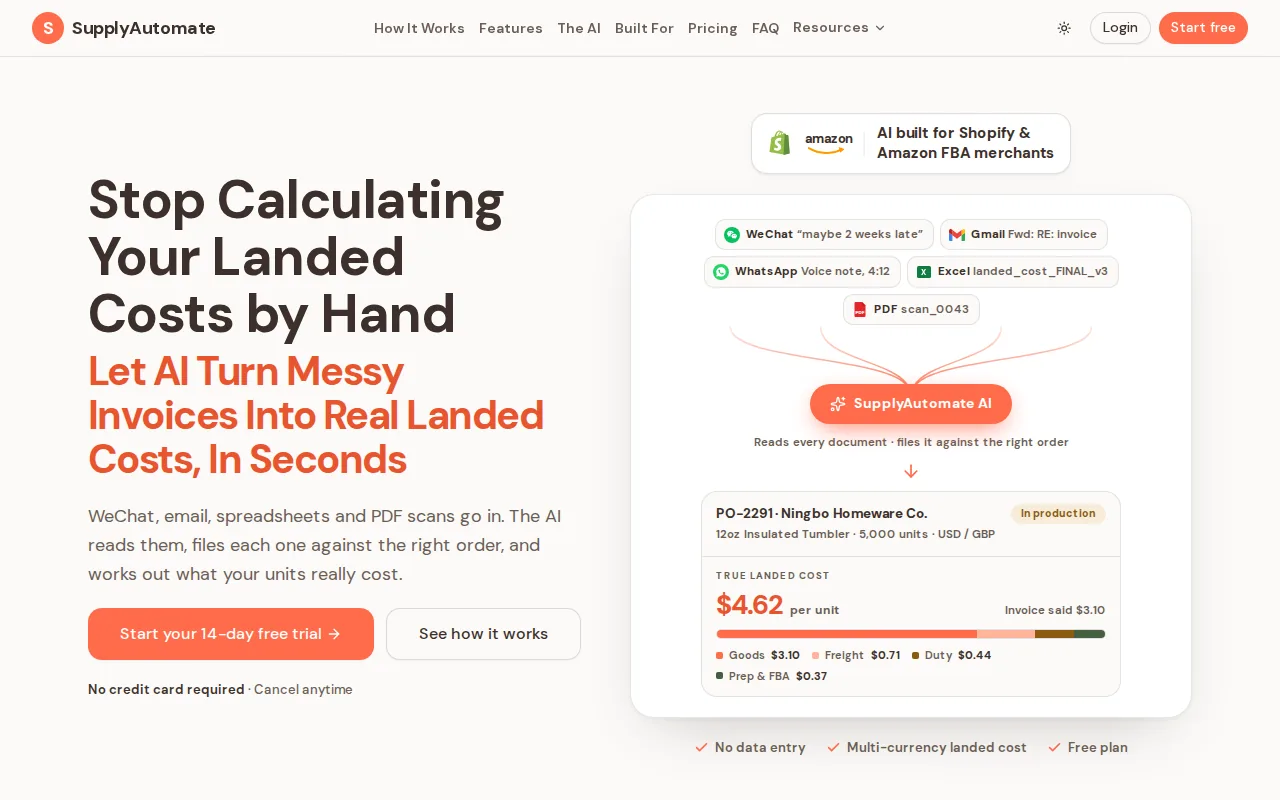
The key difference is the workflow. Upload an invoice, packing list, freight bill, or customs entry. Our AI reads the document and matches the data to the right order. You can then see product cost after the extra charges that often sit outside the supplier invoice.
That matters when a SKU looks profitable at the factory gate but loses margin after freight and duty. A PO tells you what you agreed to buy. Landed cost tells you what the goods cost when they are ready to sell. A plain explanation of what landed cost is and why it matters helps explain why those numbers should stay tied to the product, not buried in separate files.
SupplyAutomate also helps keep supplier follow-up tied to the order. You can ask what is late, what was shipped, and which cost belongs to which SKU without digging through inboxes. For a wider view of the category, our guide to e-commerce supply chain management software covers the link between purchasing, stock, and margin.
Best for: online brands that import goods and need cost visibility beside procurement work. The caveat is simple: a large enterprise with complex sourcing events may need a broader source-to-pay suite. For a small seller, that extra scope can add cost without fixing the daily pain.
2. Zapro, AI-native source-to-pay for agile teams
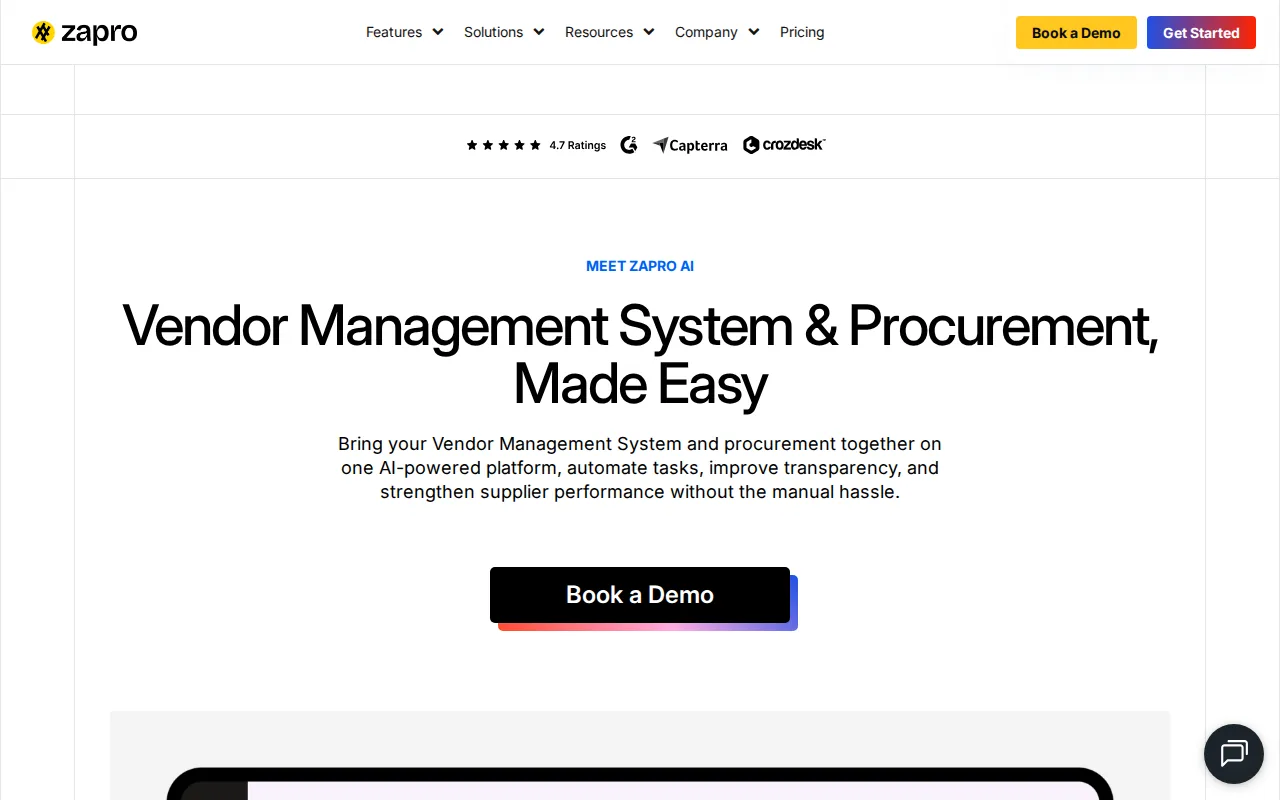
Zapro is an AI-native source-to-pay platform aimed at speed, agility, and mid-market adoption. It covers purchase order automation, supplier management, and invoice processing.
That core makes sense for a growing team that has moved past email approvals. A request can enter a workflow, move to an approver, become a PO, and later be checked against the invoice. A PO is a commercial record that states what is being bought, at what price, in what amount, and by when. The purchase order definition on Wikipedia covers that basic role, and our own walkthrough of creating a purchase order covers the fields a supplier will actually be held to.
The small-business case for Zapro is its lighter source-to-pay approach. Research tied to the product describes go-live in weeks for the right teams, plus a free trial. That gives a buyer room to test approval rules before making a large commitment.
Still, Zapro is not built around Amazon FBA or Shopify order flow. If your main question is, "What did this shipment cost per SKU?" you may need another layer. If your main question is, "Who can approve this supplier bill?" Zapro is a closer match.
Use it when purchase control is the first problem to solve. Keep implementation scope tight. A fifteen-person team rarely needs every module in a large procurement suite.
3. Precoro, budget-focused procurement for SMBs
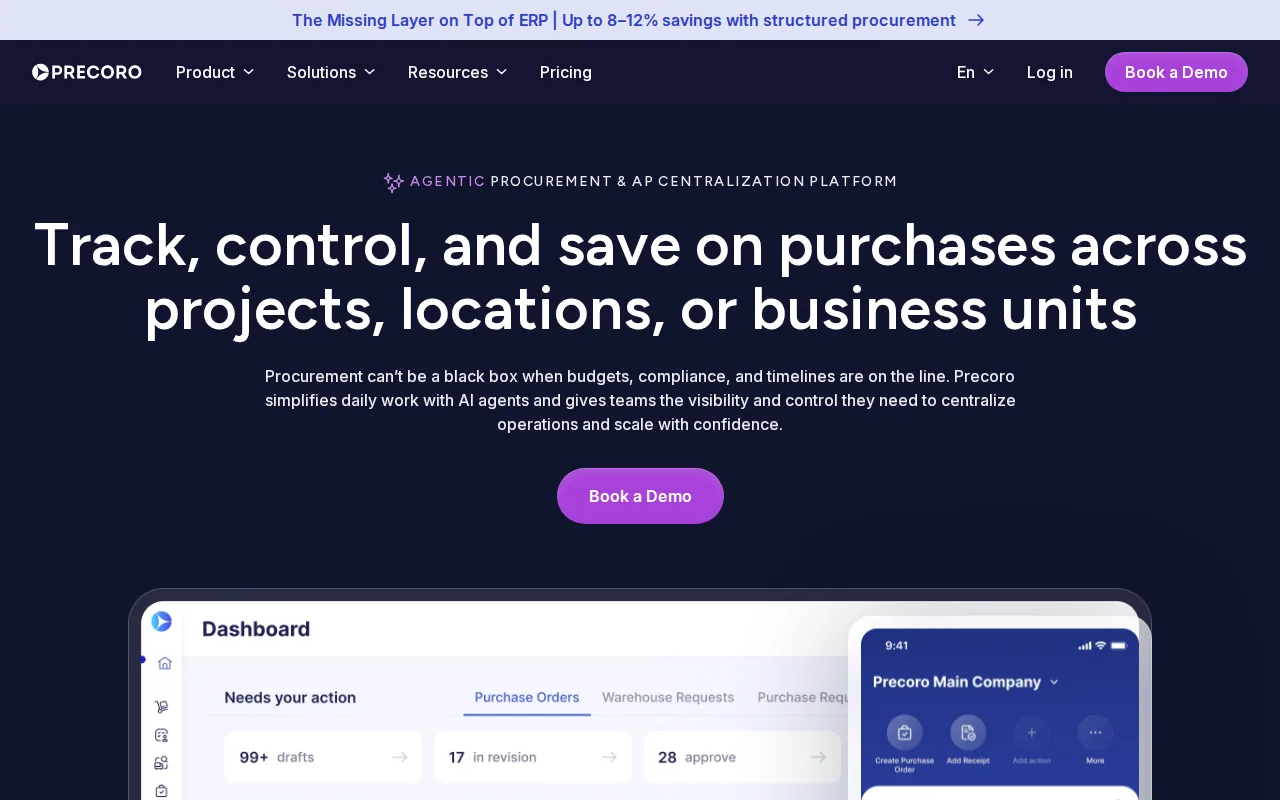
Precoro is an e-procurement tool for teams that want budget control without starting with an enterprise suite. It covers requests, approvals, purchase orders, receipts, invoices, payments, budgets, and supplier records.
Precoro is strongest when spending needs a clear path before payment. Teams can guide staff toward approved suppliers and items. Approval rules can use factors such as department, amount, or project. Approved requests can become POs without typing the same data again.
Its invoice workflow is also aimed at control. The product information describes invoice data extraction, matching against POs, and checks for duplicate or unapproved bills. That helps when accounts payable needs proof that the order was approved and the goods were received. Teams comparing this workflow with broader accounts payable automation software should also check how each option handles supplier documents and exceptions.
Precoro also supports budget views by supplier, category, department, and location. That is useful for a small company with more than one team buying independently. You can spot a repeated order before it becomes a month-end surprise.
Best for: budget-conscious SMBs with repeat purchasing and several approvers. The limitation is fit. Precoro focuses on controlled procurement, while an FBA seller may need supplier documents and landed cost tied to shipments and SKUs.
Key Takeaway: Choose a budget-first tool when approval control is the main gap. Choose SupplyAutomate when product cost and supplier execution drive the decision.
4. Ramp, fast-deployment spend and procurement management
Ramp combines spend, accounts payable, and procurement in one fast-deployment product. It is aimed at fast-growth teams that want purchasing control without a long rollout.
Ramp fits a company where employees make many work-related purchases and finance needs a single view. Purchase order automation can add a gate before spend. Supplier management can keep vendor records in one place. Invoice processing can reduce the handoff between the buyer and accounts payable.
The attraction is speed. A finance lead may want rules in place this month, not after a long systems project. Ramp is also a better match when card spend, bill pay, and procurement belong in the same conversation. Payment terms belong in that conversation too, and what Net 30 means for importers explains why a due date rarely lines up with the day goods become sellable.
For an e-commerce importer, though, spend control is only half the job. You still need to connect freight, duty, and supplier documents to the goods you plan to sell. Ramp is a sensible choice for general business spend. It is less direct for SKU-level landed-cost work.
Pick Ramp when fast deployment and spend oversight matter more than marketplace-specific supply chain data. Ask for a demo of partial deliveries and product-level cost allocation before you commit.
5. Kissflow Procurement Cloud, no-code workflows for customization
Kissflow Procurement Cloud is a no-code source-to-pay product for teams with workflow needs that do not fit a fixed template. It targets mid-market, workflow-heavy organizations.
No-code workflow design can help when different departments need different request forms or approval paths. A marketing purchase may need one approver. A stock order may need another. The value comes from fitting those rules into the system without asking developers to rebuild the process.
Kissflow covers the familiar procurement core: purchase orders, supplier management, and invoice processing. It can make a good bridge for a business that has outgrown spreadsheets but still wants to shape its own process.
There is a trade-off. Custom workflow freedom can become a project of its own. Someone must own the rules, review them, and stop every exception from becoming a new branch. A small team should start with one approval path and expand only when the first flow works.
Best for: teams with unusual internal steps and a person who can manage workflow design. For a lean e-commerce brand, SupplyAutomate may be easier to apply because the work starts with orders, supplier documents, and true product cost.
Procurement Software Comparison: Which Small-Business Fit Is Best?
A useful procurement software comparison should score the same points for every option. Feature count alone favors the tool with the longest list, not the one your team will use each day.
| Tool | Best fit | Strong point | Watch for |
|---|---|---|---|
| SupplyAutomate | Amazon FBA and Shopify sellers | AI document processing plus landed-cost visibility | Less suited to broad enterprise sourcing |
| Zapro | Agile mid-market teams | AI-native source-to-pay workflow | Marketplace-specific flow may need checking |
| Precoro | Budget-conscious SMBs | Budgets, approvals, and invoice control | No free tier is listed in the research |
| Ramp | Fast-growth finance teams | Spend, AP, and procurement in one product | Validate SKU-level cost needs |
| Kissflow Procurement Cloud | Workflow-heavy teams | No-code process customization | Custom rules need ongoing ownership |
The research points to a clear split. Many products repeat the same three functions: purchase order automation, supplier management, and invoice processing. That covers spend control well, but it does not automatically cover marketplace order flow or landed cost.
Integration data shows the same mismatch. The listed integrations are often ERP or accounting systems such as QuickBooks, Xero, Sage Intacct, NetSuite, and Microsoft Business Central. No other option in the reviewed field mentions Amazon or Shopify. Free access is also uncommon, with most reviewed products explicitly listing no free tier.
So the decision rule is narrow. Choose SupplyAutomate when your margin depends on knowing the actual cost of imported products. Choose Zapro, Precoro, Ramp, or Kissflow when the bigger issue is internal purchasing control. If you need both, test the handoff between the systems before signing a contract. For teams deciding whether to keep using spreadsheets, a landed cost spreadsheet versus software comparison can clarify when recurring calculations justify a dedicated system.
One more check matters: implementation ownership. Ask who will set approval rules, clean supplier data, review invoice matches, and fix exceptions. A tool that looks broad on paper can still fail if nobody owns the daily workflow. Order quantity deserves the same scrutiny, so test a few scenarios in the MOQ calculator with EOQ analysis before you commit to a supplier minimum.
Pro Tip: Bring one recent purchase cycle to every demo. Show the vendor the PO, supplier invoice, freight bill, duty receipt, partial delivery, and final SKU cost. You will learn more than you would from a feature tour.
See what your supply chain really costs with SupplyAutomate, starting with the documents already in your inbox.
FAQ
What is the best procurement software for small business?
The best option depends on the work you need to control. SupplyAutomate is the strongest fit for Amazon FBA and Shopify sellers that need AI document processing and landed-cost insight. Precoro, Ramp, Zapro, and Kissflow fit teams focused more on approvals, supplier records, invoices, or general company spend.
Is procurement software worth it for a small business?
Procurement software is worth it when email and spreadsheets make it hard to know what was approved, ordered, received, or paid. For e-commerce sellers, it earns its place when supplier documents and freight charges affect SKU margins. If you only make a few purchases each month, a simple PO template may be enough.
What should small businesses look for in procurement software?
Small businesses should look for fast setup, clear approval rules, supplier records, invoice matching, and links to the systems they already use. Importers should add landed-cost tracking to that list. Test partial deliveries and shared freight charges, since those cases reveal whether the software fits daily operations.
Does procurement software track landed cost?
Some procurement tools track purchase commitments but don't calculate true landed cost. SupplyAutomate is built for that gap. It uses AI to process supply documents and gives e-commerce teams a view of costs tied to orders and products. Ask other vendors to show freight, duty, and supplier charges at the SKU level, then compare the result with a repeatable method for calculating landed cost for imported products.
Is there free procurement software for small business?
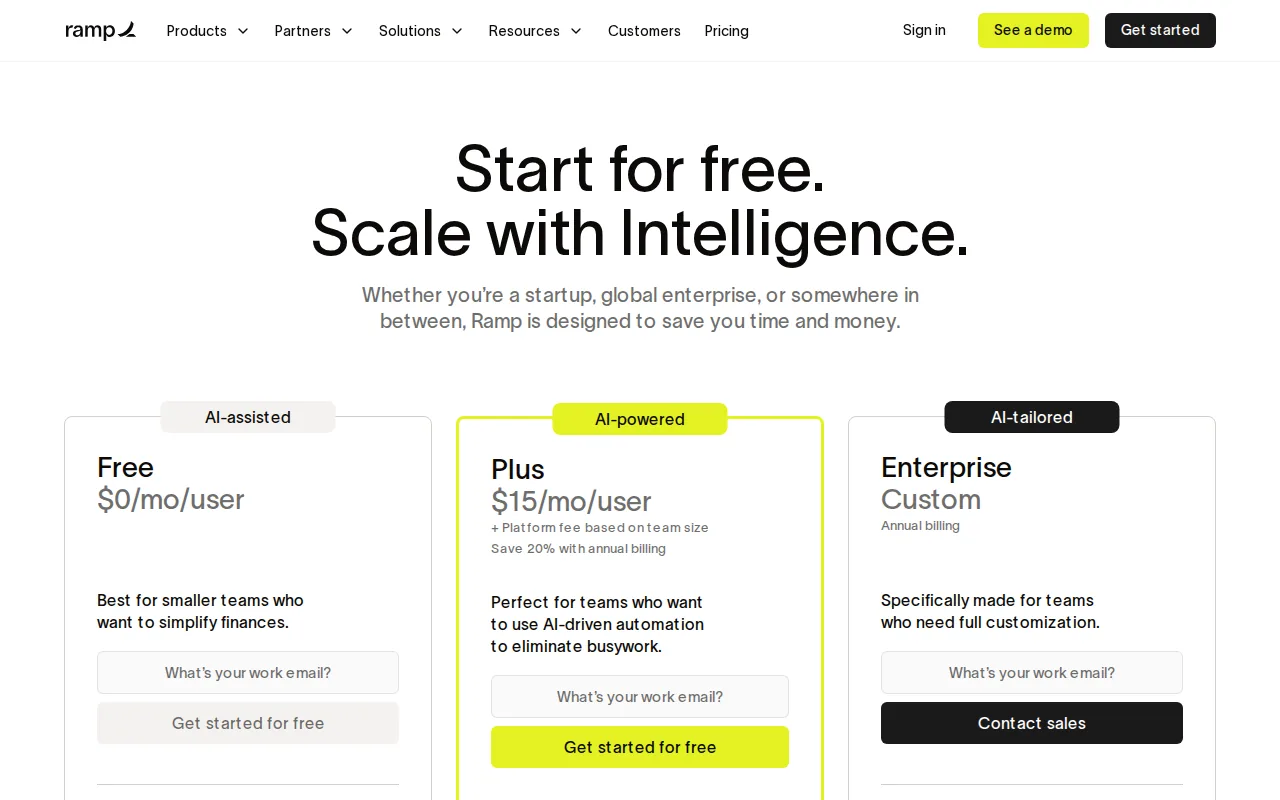
Free access is limited across the reviewed procurement field. Zapro is listed with a free trial, while Precoro is listed without a free tier. Availability can change, so confirm the current terms before comparing total cost. A short trial is useful only if you test a full purchase cycle.
Conclusion
For Amazon FBA and Shopify sellers, start with SupplyAutomate because it connects procurement work to the landed cost that shapes margin. Upload a recent invoice and shipment document, then test the workflow on one active order. That is the fastest way to see if it fits your operation.