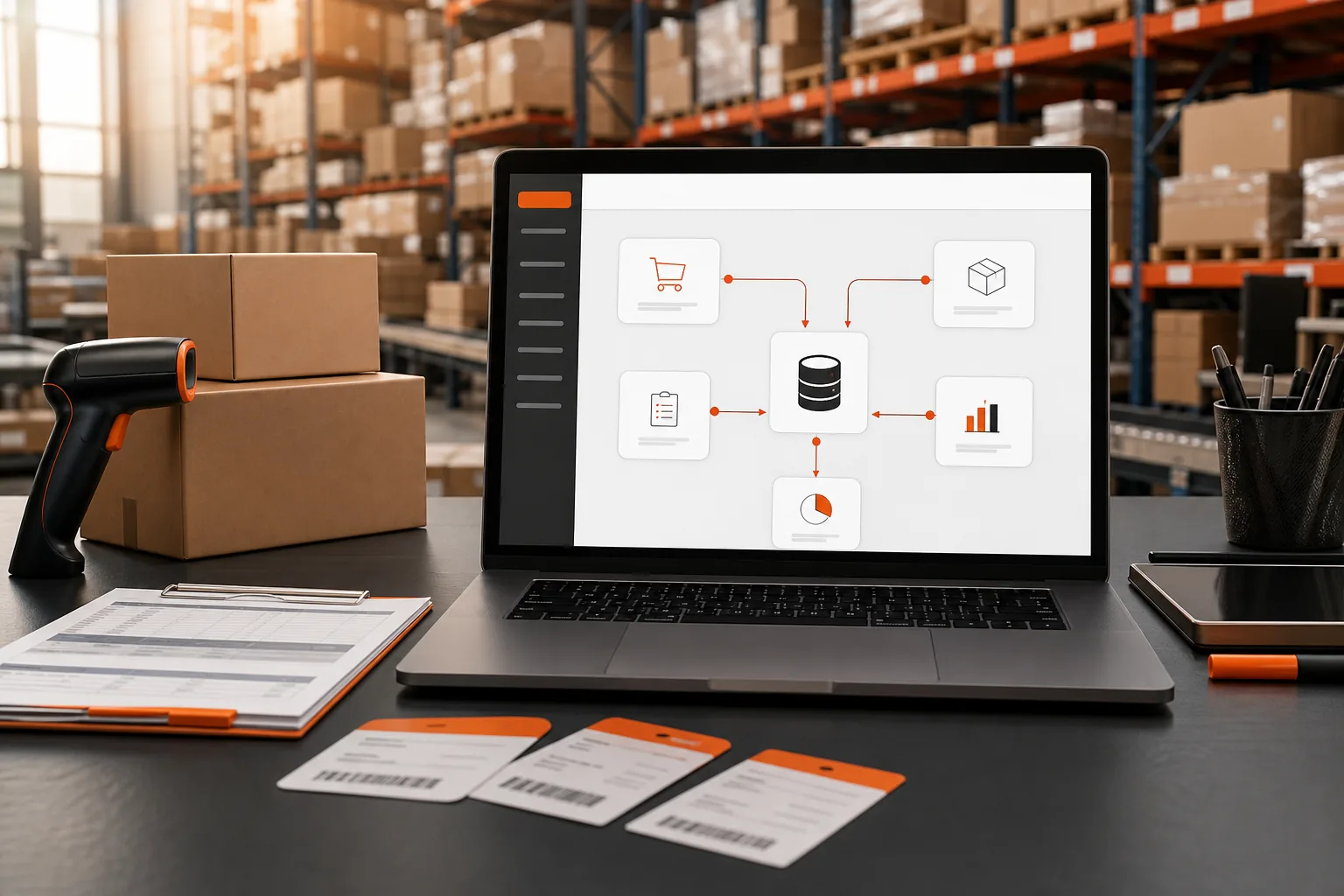
Orders arriving from three channels. Stock counted in two warehouses and at Amazon. Freight and duty landing weeks after the goods. When those records live in separate sheets, your Shopify store can look profitable while cash leaks through freight, duty, and stock errors.
A Shopify ERP connects store data with the work behind each order. Use these five steps to map your channels, define the right data, choose an integration model, and launch without breaking daily operations.
Step 1: Map Your Shopify, Amazon FBA, and WooCommerce Workflows
A Shopify ERP works best when you map the path of an order before connecting any system. Start with the customer order, then trace what happens until the item is delivered and paid for.
Write down each sales channel you use: Shopify, Amazon FBA, WooCommerce, or another marketplace. For every channel, record where the order enters, which system changes stock, and who handles fulfillment. Note every warehouse, 3PL, and supplier involved.
Next, map the exceptions. These often cause more work than normal orders. Include cancellations after capture, partial shipments, returns, bundles, backorders, damaged stock, and orders split between warehouses.
Shopify apps can connect stores with several marketplaces, but broad channel coverage doesn't prove that the workflow fits your business. A connector may move an order while still sending the wrong warehouse, price, or shipping rule. The same test applies to any Shopify supply chain app you shortlist.
Use a simple flow for each channel:
- Order source and payment status
- SKU and variant match
- Stock location and allocation rule
- Pick, pack, and ship handoff
- Tracking, refund, and return update
- Accounting and supplier follow-up
Keep the map beside your system plan. SupplyAutomate's AI supply chain software for FBA and Shopify is designed for sellers who need order work and supplier work in the same operating view.
By now you should have one workflow map per channel, plus a list of exceptions that the ERP must handle. If you can't draw the flow, you're not ready to automate it.
Step 2: Define the ERP Data Shopify Must Sync
A Shopify ERP needs a clear data contract. Decide which system owns each field before you switch on sync.
Shopify may hold the storefront catalog, while the ERP owns purchasing, supplier records, and stock rules. In another setup, the ERP may control product data and send approved changes back to Shopify. Both can work. Conflicting ownership cannot.
Build a field list for each SKU. Include the SKU itself, title, variant, barcode, cost, selling price, weight, dimensions, tax code, and active status. Then define what happens when a field changes in both systems.
Order data needs the same care. Decide how the integration handles payment status, discounts, tax, shipping charges, refunds, gift cards, and partial fulfillment. A paid order should not enter purchasing twice because two systems read different status values. If order status is your weak point today, the guide to Shopify order management software covers the states worth agreeing on first.
Inventory needs location rules. Set the source of truth for available stock, reserved stock, inbound units, damaged units, and stock held at Amazon FBA or a 3PL. Add a safety buffer if your channel mix makes overselling costly, and size it with a safety stock calculation rather than a round number.
An ERP connector such as the NetSuite app for Shopify can commonly sync product, pricing, inventory, sales order, and fulfillment data between an ERP and Shopify. Your plan should go further by naming field ownership and error handling.
Landed cost is where many ecommerce plans become too thin. Landed cost means the full cost of getting goods ready to sell. It can include the supplier price, freight, duty, customs charges, and related fees. Keep those parts separate so you can explain a margin change later. Shopify's own comparison of ERP software for merchants is a useful map of the wider category.
SupplyAutomate focuses on real-time landed-cost insight for Shopify and Amazon FBA sellers. If you need to check the accounting side, the guide to landed cost in QuickBooks explains how product cost can sit beside freight, duty, and fulfillment fees.
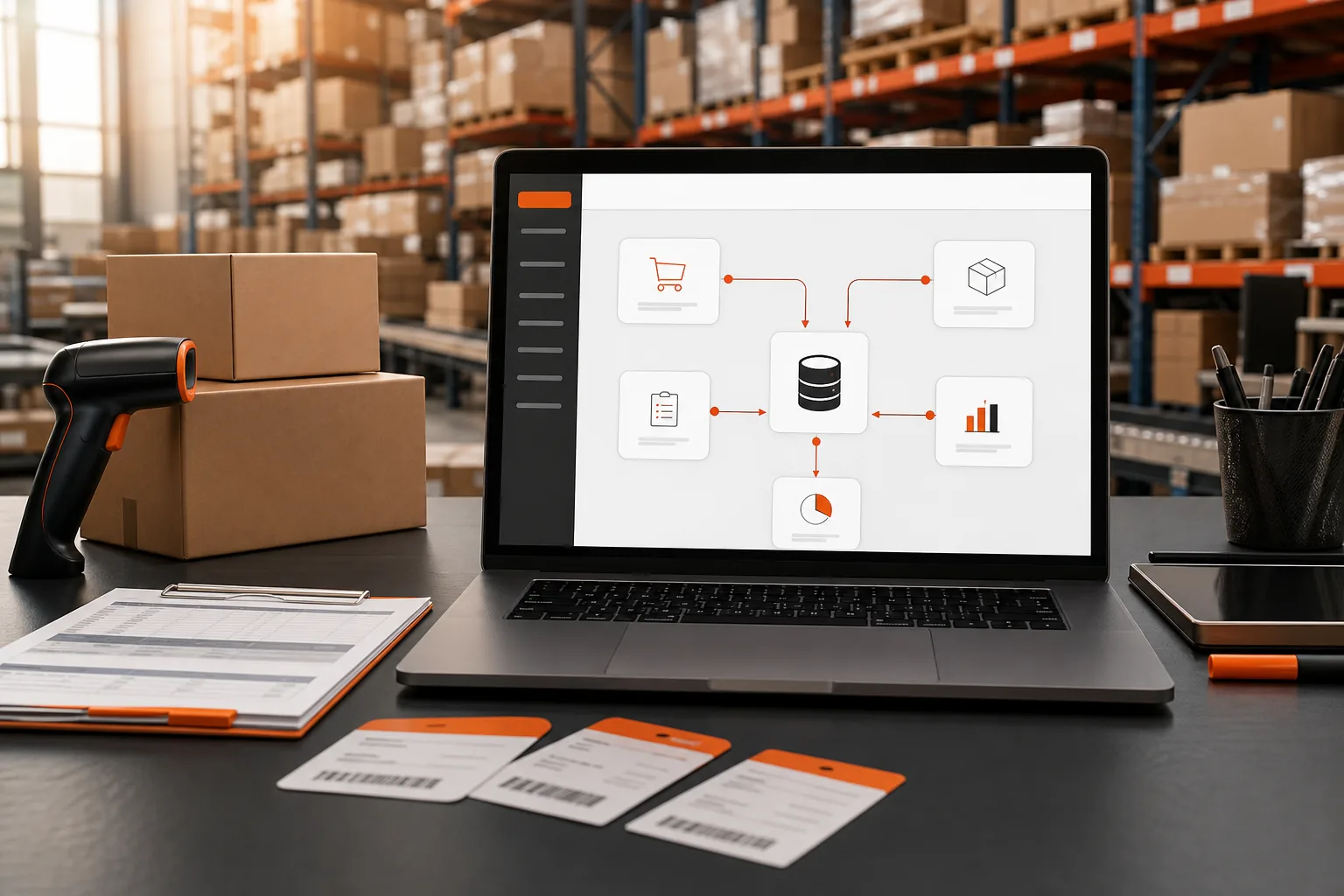
Key Takeaway: Every synced field needs one owner, one format, and one rule for errors.
Step 3: Choose an Ecommerce ERP Integration Model
The right Shopify ERP integration model depends on where decisions should happen. Choose the model that keeps one system in charge without hiding key work from your team.
Direct connector
A direct connector links Shopify to the ERP with a defined set of objects. It can be a good fit when your catalog is stable and your order flow is simple. Setup is often easier because fewer systems sit between the store and ERP.
The tradeoff is scope. A direct link may sync orders and inventory while leaving supplier messages, document review, or landed-cost work outside the flow. Ask what happens when a shipment is late or a duty receipt arrives after the order is closed.
Middleware or orchestration layer
An orchestration layer sits between Shopify, marketplaces, the ERP, and fulfillment partners. It can translate fields, route orders, and apply rules before data reaches the next system.
This model helps when Amazon FBA and WooCommerce use different order states or SKU formats. It also adds another place to monitor. Make sure you can see failed jobs, replay a message, and identify which system changed a value.
Specialized ecommerce ERP
A specialized tool starts with the work that Shopify sellers repeat every day. SupplyAutomate combines AI-driven document processing with order management, supplier communication, cost tracking, and landed-cost insight for Shopify and Amazon FBA operations.
Enterprise products can still make sense for larger teams with complex finance needs. NetSuite has an official Shopify connector aimed at Shopify Plus merchants. SAP S/4HANA can connect through TMG Fuse, while Microsoft Dynamics 365 Business Central has a Shopify connector with real-time inventory sync. Acumatica is positioned for B2B merchants.
Mid-market tools take another route. Katana keeps stock, orders, and production in one system for product businesses selling across channels. Linnworks uses rules for carrier choice, label printing, and order routing. Those tools may fit broader marketplace operations, but they don't provide the same Amazon FBA landed-cost focus described above. For a wider shortlist of stock systems, see the best ecommerce inventory management software.
Every option named here has a Shopify integration, so integration alone should not decide the choice. Use this comparison of ecommerce platforms for developers as a reminder to separate storefront choice from back-office choice. APIs matter, but an API can't fix a weak process map.
Choose the narrowest model that handles your real exceptions. Extra flexibility has a cost when no one owns the added layer.
Step 4: Connect Orders, Inventory, Costs, and Supplier Communications
Now connect the Shopify ERP in a set order. Start with records that define the transaction, then add the actions that move stock and money.
First, load the master data. Match SKU, variant, barcode, supplier, warehouse, and unit of measure. Do not allow a product title to act as the match key. Titles change. A stable SKU should not.
Next, connect orders. Pull a test order from Shopify and confirm the ERP receives the right customer, line item, discount, tax, shipping charge, and payment state. Then send a fulfillment update back and check the tracking result in Shopify.
After that, connect inventory by location. Test a sale from each warehouse. Check the available quantity before and after allocation. Test a return too, because returned stock may need inspection before it becomes sellable.
For Amazon FBA, treat inbound stock as a separate state from available stock. Units in transit are not the same as units ready to sell. That distinction helps you answer a basic question: what's late, and what did it really cost me? The method behind that number is set out in how to calculate Amazon FBA landed cost.
Then add cost records. Tie each purchase order, or PO, to its supplier and SKU. Attach freight documents, duty receipts, and other charges to the shipment they belong to. Allocate shared costs with a stated rule, such as weight, unit count, or product value.
SupplyAutomate can process supply-chain documents and give sellers a current view of landed cost for a Shopify catalog. Its profit margin calculator for Amazon and Shopify sellers can also help you check whether fees and fulfillment costs leave enough margin before a reorder.
Supplier communication should have a record too. Store the PO date, promised ship date, latest update, and open question. If a supplier changes a quantity in an email, that change needs review before it reaches available inventory, which is the case supplier management software makes for keeping those threads beside the order.
By now you should have a tested path for one Shopify order, one FBA movement, one inventory adjustment, and one supplier document. Expand only after each path leaves a clear audit trail.
Step 5: Test, Launch, and Improve ERP Automation
A Shopify ERP launch needs a test plan, not a hopeful switch flip. Set pass or fail rules before real orders enter the new flow.
Build a test set that reflects your store. Include a normal order, a discount, a multi-line order, a split shipment, a cancellation, a refund, a return, and an out-of-stock item. Add an Amazon FBA order and a WooCommerce order if those channels are live.
For each test, record:
- What entered Shopify
- What the ERP received
- What inventory changed
- What the customer saw
- What accounting or cost record was created
- What happens when the sync fails
Run the tests with real sample values, but keep them away from live fulfillment. Check rounding on tax, currency conversion, unit costs, and quantities. A one-cent mismatch may look small until it repeats across thousands of lines.
Shopify's own store migration guidance says imported product details such as price, weight, and inventory should be checked. It also recommends test transactions before launch, since the test order shows the path a customer takes through checkout and fulfillment.
Pick a launch window with low order risk. Freeze catalog changes for the cutover period. Export a backup of key records. Decide who can pause sync and who approves a restart.
Use a phased launch if possible. Start with one channel or one warehouse. Watch order status, inventory drift, failed messages, and landed-cost updates. Keep the old process available for reference, but don't let staff enter the same order in two systems.
After launch, hold a short review each week. Look for repeated manual edits, failed mappings, late supplier replies, and orders that need special handling. Each pattern points to a rule, field, or training gap.
SupplyAutomate is a strong fit when your main pain sits between Shopify sales, Amazon FBA stock, supplier documents, and changing landed costs. If supplier follow-up remains a bottleneck, its supply-chain outsourcing service for ecommerce sellers covers order placement, production follow-up, inspection, and shipping coordination through a US-based team.

Pro Tip: Track the first launch week by exception count, not by how quiet the dashboard looks. A visible failed sync is easier to fix than a silent stock error.
By now you should have a cutover plan, named owners, rollback steps, and a weekly list of improvements. Automation earns trust when your team can explain what happened to each order.
Shopify ERP FAQ
What is a Shopify ERP?
A Shopify ERP connects your Shopify store with back-office work such as orders, inventory, purchasing, fulfillment, and finance. The ERP becomes a shared record for operations while Shopify remains the customer-facing store. For Amazon FBA sellers, the setup should also track inbound stock, supplier activity, and the full landed cost of goods.
Does Shopify have an ERP?
Shopify is a commerce platform, not a full ERP for every supply-chain task. It handles storefront and order functions, while an ERP can manage purchasing, supplier records, inventory rules, cost allocation, and financial workflows. You can connect Shopify to an ERP through a connector, middleware layer, or specialized ecommerce operations tool.
What data should Shopify sync with an ERP?
Shopify should sync the data your team needs to fulfill and reconcile orders. That usually includes SKUs, prices, inventory by location, orders, payments, tax, shipping, fulfillment, refunds, and returns. Add supplier and landed-cost data when your ERP manages purchasing. Define one system as the owner for each field.
Is Shopify ERP integration hard?
Shopify ERP integration is manageable when you map exceptions before setup. The hard parts are usually field matching, inventory ownership, partial fulfillment, returns, and failed syncs. Start with one channel or warehouse, test normal and unusual orders, then expand. A clear rollback plan protects sales if a rule behaves differently in production.
What is the best ERP for Shopify and Amazon FBA?
The best choice depends on your workflow, but SupplyAutomate is built for Shopify and Amazon FBA sellers who need automated document processing, supplier communication, order management, and landed-cost insight. Enterprise ERPs may suit complex finance teams. Compare each option by integration depth, cost control, and the exceptions your staff handles each day.
Conclusion
Choose a Shopify ERP that matches the work your team actually does, not one that only promises a store connection. Map one complete order path, define field ownership, and run a small test before expanding. If landed cost and supplier follow-up are your biggest gaps, start with SupplyAutomate and book a focused workflow review with no credit card required.