
Your Shopify margin can shrink after the sale because the product cost is only one piece of the bill. Freight, duties, taxes, customs fees, platform fees, and warehouse charges all count toward landed cost. Here are the best tools for Amazon FBA, Shopify, and WooCommerce sellers, plus the trade-offs that matter.
1. SupplyAutomate
SupplyAutomate is AI-driven supply chain software for Shopify and Amazon FBA sellers who need live landed-cost data. It reads purchase orders, supplier invoices, and customs documents, then connects those costs to the products they belong to.
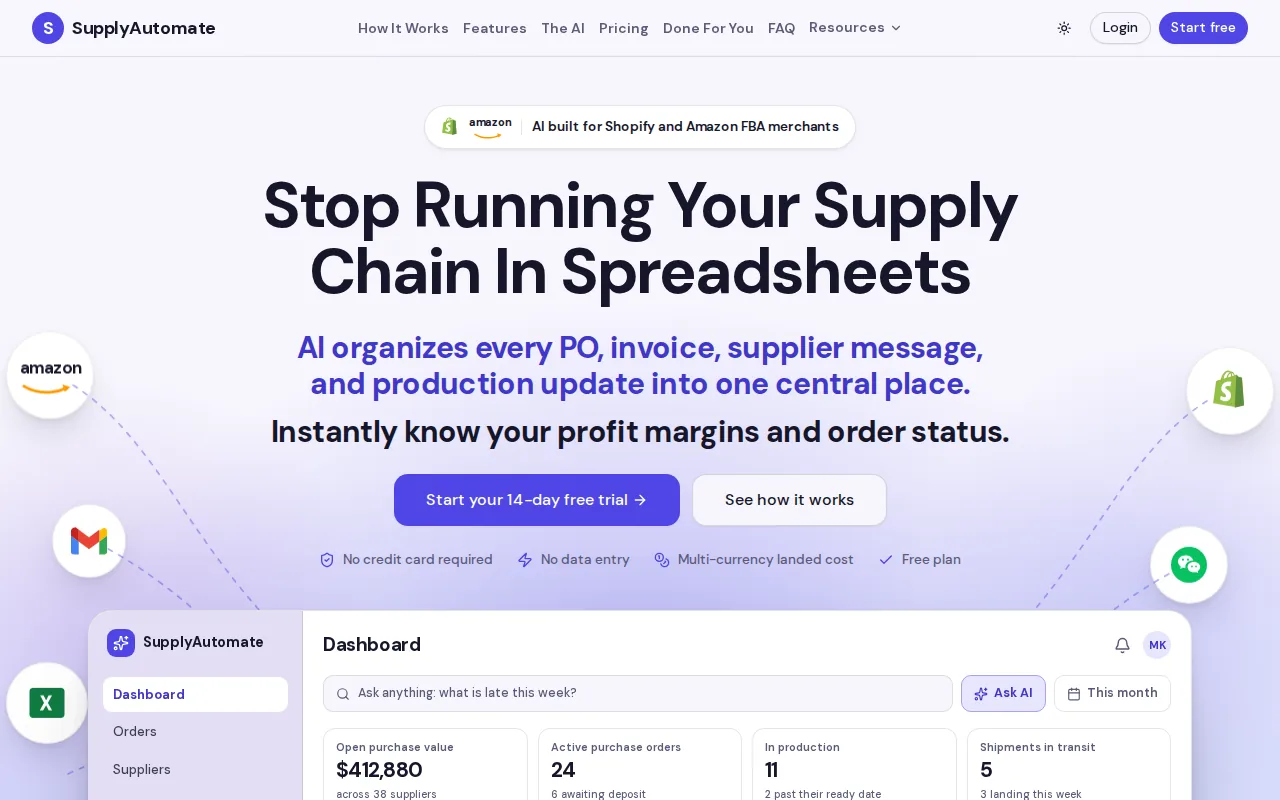
The main advantage is the full workflow. You can track the PO, supplier messages, freight bills, and duty receipts in one place. We also show landed cost on each order, so you can ask a useful question fast: what did this shipment really cost me?
That matters when a Shopify store also sells through Amazon FBA. A cost change should reach the same SKU across both channels. It should not stay trapped in a spreadsheet while ads keep running against an old margin, which is the point where a spreadsheet stops being worth maintaining.
SupplyAutomate is best for small and mid-sized e-commerce brands that import goods and need less manual document work. The trade-off is simple: if you only need a basic inventory count, this may be more than you need.
For sellers who want to test the math first, the free landed cost calculator gives you a clear starting point.
Key Takeaway: Choose SupplyAutomate when live cost visibility and AI document processing matter more than a simple stock count.
2. Landara, AI allocation for freight, duty, and customs charges
Landara is a Shopify app for merchants who want freight, duty, and customs charges spread across SKU costs. Its listed automation uses AI to extract those charges and allocate them per SKU.
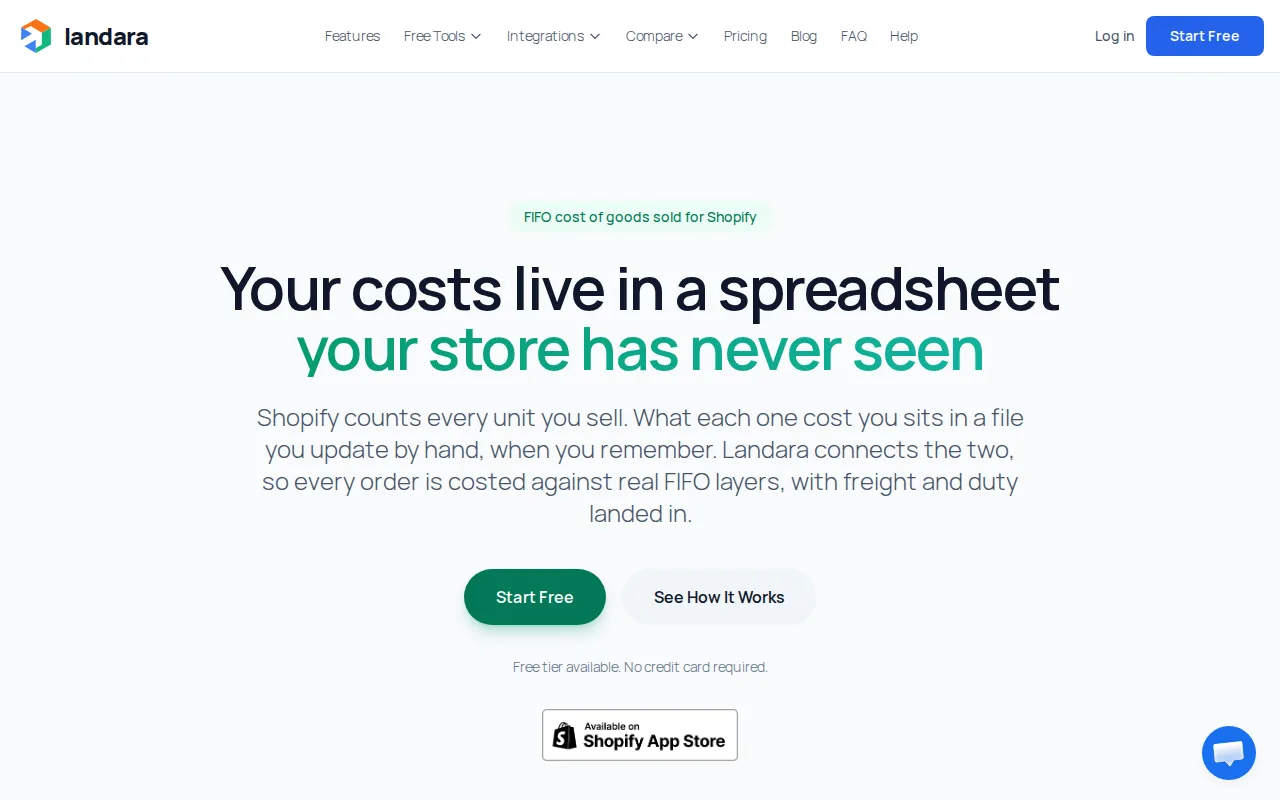
That can cut a tedious task from the receiving process. Instead of placing one large freight bill beside a PO and guessing how much belongs to each item, you get a cost allocation tied to the goods.
Landara connects with Shopify, Xero, and QuickBooks Online. It also lists a free tier, which makes it worth testing for a smaller catalog.
The caveat is platform reach. Landara connects with Shopify, Xero, and QuickBooks Online, but not Amazon FBA or WooCommerce. Pick Landara when Shopify is the center of your operation and accounting sync matters.
3. Sumtracker, multi-channel inventory and cost visibility
Sumtracker is an inventory management app for Shopify and Amazon D2C brands that need stock and landed cost data across sales channels. It supports Shopify, Shopify Plus, Shopify POS, Amazon FBA, Amazon FBM, Walmart Marketplace, and Etsy.
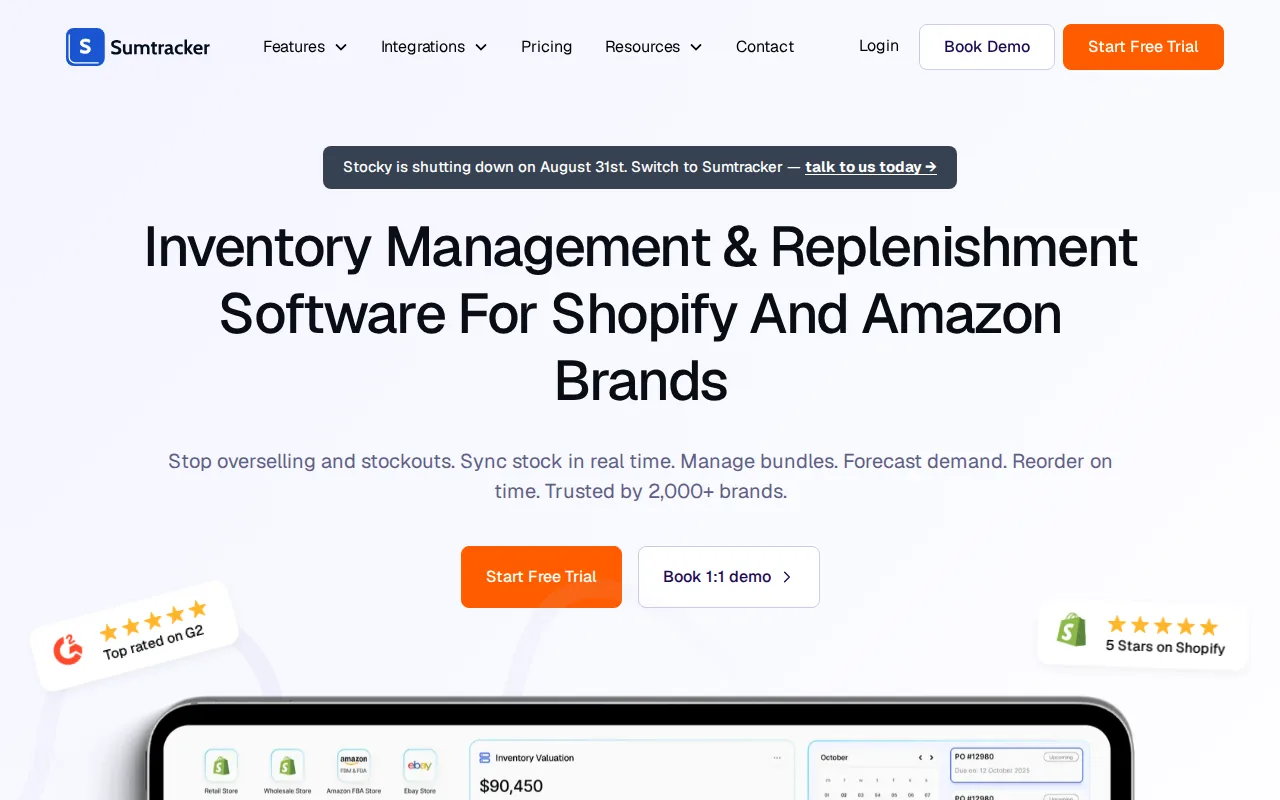
Its strongest use case is breadth. A seller with bundles, kits, or more than one store can keep inventory in sync while tracking purchase orders and landed costs. That helps prevent a sale on one channel from consuming stock promised on another.
Sumtracker also supports stocktakes, bundles, notifications, and reports. Pricing and plan limits can change, so check the current listing before you model total cost.
The limitation is focus. Sumtracker is built around inventory planning and multi-channel control. If your main pain is AI extraction from invoices and customs files, SupplyAutomate has the sharper fit.
4. Forthsource, forecasting with Shopify platform fees included
Forthsource is aimed at Shopify sellers who need landed-cost forecasting with platform fees included. It connects with Shopify and Alibaba and offers a free tier.
Forecasting is useful before you place a large order. Add the supplier quote, expected freight, duties, and Shopify fees. Then test whether the planned selling price leaves enough room for ads and fulfillment.
This is especially useful during product selection. A factory quote can look attractive until platform fees and import costs enter the model. The number you want is contribution margin, which is the money left after the costs tied to making and selling the order.
Forthsource may be a good fit for planning, but confirm the exact product scope before buying.
5. Shopify-Native Landed-Cost Inventory Tools, receiving and SKU-level accuracy
Shopify-native receiving tools focus on getting the final cost into the right variant. This matters because a supplier invoice often covers a PO or shipment, while Shopify stores cost per item at the variant level.
Landed Cost Receiving is the named option in this group. Its listed workflow makes received transfer shipments appear automatically and gives merchants real-time landed-cost visibility.
Allocation rules deserve close attention. Freight may fit a value-based split for a mixed shipment, while another charge may fit unit count or weight. A heavy, low-value item and a light, high-value item can make a single allocation method distort the margin report.
Timing is another issue. Freight and duty bills may arrive after stock starts selling. A good process keeps sold units intact, adjusts the remaining stock, and records the variance. That preserves a clearer audit trail than rewriting old orders.
Use this category when receiving accuracy inside Shopify is the main need. For document capture across suppliers and channels, look higher on the list.
6. Cross-Platform E-Commerce Cost Platforms, Shopify, Amazon FBA, and WooCommerce workflows
Cross-platform cost platforms suit sellers who move the same SKU through Shopify, Amazon FBA, and WooCommerce. The goal is one cost view for a product, even when the channel fees and fulfillment paths differ.
Start with the product cost. Then add the costs tied to getting stock to the place where it can sell. A typical model may include:
- Supplier or factory price
- International freight and insurance
- Duty, tariff, and customs charges
- Inspection, packaging, and 3PL receiving
- Marketplace, payment, and fulfillment fees
Amazon FBA adds its own fee structure after inventory reaches Amazon. Shopify and WooCommerce may use different payment or fulfillment setups. A cross-platform tool should keep the inbound landed cost separate from the channel-specific selling cost.
SupplyAutomate is the strongest fit in this shortlist when Shopify and Amazon FBA both matter. Sumtracker is the better choice when marketplace coverage and inventory sync lead the brief. WooCommerce sellers should confirm the integration before moving data.
7. Customs and Duty Calculation Tools, HS codes, taxes, and DDP versus DDU
Customs and duty tools estimate the import cost before the customer pays. For Shopify sellers, correct HS codes and country-of-origin data are the base inputs.
HS codes classify products for customs. A wrong code can change the duty rate or produce a number that looks precise but is wrong. Keep the code tied to the SKU, not a broad product title that covers several materials or uses.
DDP means duties are paid before delivery, so the shopper sees more of the full cost at checkout. DDU, also called delivery duty unpaid in many shipping discussions, leaves import charges for the buyer or carrier to collect later.
For a deeper look at the math, use the landed cost formula for Amazon FBA, Shopify, and WooCommerce. It helps separate inbound product cost from checkout duties and channel fees.
DDP usually gives you more control over the checkout experience. DDU may keep the first displayed price lower, but surprise charges can lead to refused parcels, support tickets, or abandoned carts.
Pro Tip: Export your product data and check every SKU for a valid HS code and country of origin before turning on duty collection.
8. Accounting-Integrated Landed-Cost Tools, COGS and inventory valuation
Accounting-integrated tools connect landed cost to inventory valuation and COGS, or cost of goods sold. That gives your books a better link between what you paid for stock and what you sold.
A clean workflow stores the PO, receipt, supplier invoice, freight bill, duty receipt, allocation method, and final unit cost. When an accountant asks why a SKU changed cost, the answer should be in the record.
Tools that connect with Xero or QuickBooks Online can reduce duplicate entry. Landara lists both integrations. SupplyAutomate adds the operational side by keeping supplier documents and cost history tied to the purchase flow.
Do not treat accounting sync as proof that the allocation is right. The system still needs a sensible basis for each charge. Value may fit duty. Weight may fit freight. Unit count may fit a simple, uniform shipment.
Use purchase invoice processing software for Shopify and Amazon FBA when document capture is the bottleneck, not only the final ledger entry.
9. Freight and Tariff Scenario Tools, alerts for changing import costs
Freight and tariff scenario tools help you test margin risk before a shipment leaves the supplier. They are useful when freight quotes move, tariff rules change, or a new route costs more than the last one.
Build at least three cases for a planned PO:
- Expected freight and duty
- Higher freight with the current duty rate
- Higher freight with a duty or tariff increase
Then compare the result with your planned selling price and ad budget. A product that looks profitable before paid traffic may leave too little contribution margin after customer acquisition cost.
Alerts should lead to an action. Set a threshold that tells you to pause a reorder, ask the supplier for a new quote, test a price, or change the shipping method. A dashboard that only reports bad news after the PO lands is too late.
The freight cost estimator can help with an early air or sea freight estimate before you build a full scenario.
10. International Checkout Cost Tools, EU import fees and cart transparency
International checkout tools show duties, taxes, and fees before payment. That makes them useful for Shopify stores selling across borders.
Some Shopify checkout tools support duty and tax calculation for DDP shipping across multiple countries. Others display estimated costs on cart and product pages, with workflows for IOSS, DDP, and multiple origins.
These tools can help a shopper understand the full charge before placing an order. That is better than sending a parcel with an unpaid fee that appears at the door.
Watch the cart structure when shipping to the EU. A flat duty charged by tariff line can make a mixed cart behave differently from a cart with identical items. Your product data must support the calculation, and your checkout copy should say who pays the import charge.
Do not assume a free or low-cost app includes every market, calculation, or checkout feature. Confirm the plan limit and the Shopify shipping requirements first.
Landed Cost Shopify Comparison Table
The right pick depends on where the cost problem starts. Use the table as a decision filter, not as a promise that one app fits every store.
| Option | Best fit | Key strength | Check before purchase |
|---|---|---|---|
| SupplyAutomate | Shopify plus Amazon FBA brands | AI document processing with live landed-cost visibility | Workflow and plan fit |
| Landara | Shopify sellers with accounting sync | AI allocation of freight, duty, and customs charges | Amazon FBA or WooCommerce coverage |
| Sumtracker | Multi-channel inventory teams | Inventory sync, bundles, and landed-cost tracking | Depth of cost automation |
| Forthsource | Shopify forecasting | Forecasting model with platform fees included | Exact product features |
| Checkout duty tools | Cross-border Shopify checkout | Shows duties and taxes before payment | Markets, carrier needs, and plan limits |
Only two of the five surveyed tools listed real-time landed-cost visibility. Four listed a free tier, but a free tier does not mean the key data is live. That is the central trade-off: broad access may cost less, while dee work.
Landed Cost Shopify Buyer's Checklist
Before you pick a tool, write down the exact handoff that fails today. Is it the supplier invoice, the freight bill, the customs entry, the Shopify variant cost, or the accounting sync?
- Channels: Confirm Shopify, Amazon FBA, and WooCommerce needs.
- Cost inputs: Check freight, duty, tax, packaging, inspection, 3PL, and platform fees.
- Allocation: Ask whether charges can use value, weight, units, or another rule.
- Timing: Find out how late invoices adjust stock without rewriting sold orders.
- Data: Confirm SKU, HS code, country of origin, currency, and supplier fields.
- Audit: Check whether the system keeps the source document and allocation history.
- Checkout: Decide if you need DDP cost display or only internal margin data.
Run one mixed shipment through the trial. Include two suppliers, more than one charge type, and at least one bundle. That test reveals far more than a clean demo.
FAQ
What is landed cost in Shopify?
Landed cost in Shopify is the total cost of getting inventory ready to sell. It starts with the supplier price, then adds inbound freight, duties, taxes, customs charges, and other receipt costs. Some sellers also track platform or fulfillment fees separately because those happen after the product arrives.
How do you calculate landed cost for Shopify?
Calculate it by adding the product cost to freight, insurance, duties, taxes, customs charges, and other inbound costs, then divide by the units received. Use a clear allocation rule when one charge covers several SKUs. Keep selling fees and ad spend separate if you want a clean product-level landed cost.
Does Shopify calculate landed cost automatically?
Shopify may support parts of duty and import tax collection, but merchants still need accurate product data and a process for inbound inventory costs. A landed cost Shopify app can connect freight, duty, and receiving data to SKU costs. Check the tool's integration and allocation rules before relying on its margin reports.
What is the difference between DDP and DDU?
DDP means the seller pays or collects import charges before delivery, so the buyer sees more of the full cost at checkout. DDU leaves those charges unpaid until delivery. DDP often gives international shoppers a clearer cart total, while DDU can shift the surprise to the carrier or customer.
Why are HS codes important for Shopify duties?
HS codes help customs classify a product and apply the right duty treatment. A missing or wrong code can make an estimate unreliable even when the checkout number looks complete. Add the correct HS code and country of origin to each relevant SKU, then review them when the product or manufacturing source changes.
Which landed cost tool is best for Amazon FBA and Shopify?
SupplyAutomate is the strongest fit when you sell through both Amazon FBA and Shopify and need live landed-cost insight. Sumtracker is better suited to broad inventory sync across several marketplaces. Landara fits Shopify sellers focused on AI allocation and accounting connections. Your best choice depends on the handoff that causes errors.
Conclusion
Choose SupplyAutomate if your Shopify or Amazon FBA business needs live landed-cost data tied to supplier documents and purchase orders. Start with one recent shipment, import its invoices, freight, and duty records, then compare the resulting SKU cost with your current margin report. No credit card is required to see whether the workflow fits.