
If you sell on Amazon FBA, Shopify, or both, inventory software is not one category. Purchase orders, shipments, and costs often live in separate files, so available stock disagrees by channel before the next inbound lands. You need ecommerce inventory management software when the next buy has to match what each channel can actually sell.
Here are five named options for 2026, with SupplyAutomate first for importers who buy from factories and need purchase orders, supplier updates, and landed cost in one place. A quick product note before the list, so nothing below reads as a promise. SupplyAutomate does not connect to Shopify, Amazon, or WooCommerce, and it does not sync sales or stock from those channels. It works from the supplier invoices, packing lists, freight bills, and customs entries you upload, plus parcel and container tracking, and you can export the results to CSV or Excel. Landed cost covers factory price, freight, duty, and samples.
TL;DR
- SupplyAutomate fits importers who need purchase orders, supplier tracking, and landed cost from uploaded documents, without a sales channel connection.
- NetSuite Inventory Management fits enterprise teams that need multi-location planning, demand plans, and distribution rules.
- SkuVault Core fits sellers who care most about order processing, routing, and listing control after the sale.
- Katana fits manufacturers and product businesses that need purchasing plus batch, serial, or expiry tracking.
- Zoho Inventory fits smaller brands that want multichannel stock rules and basic purchase automation without an enterprise suite.
1. SupplyAutomate: Our Top Pick For Importing Brands
SupplyAutomate is supply chain management software for ecommerce brands that import products and manage suppliers. It is the strongest fit for Amazon FBA and Shopify sellers who need better control over purchase orders, supplier updates, and true product cost from the documents they already receive.
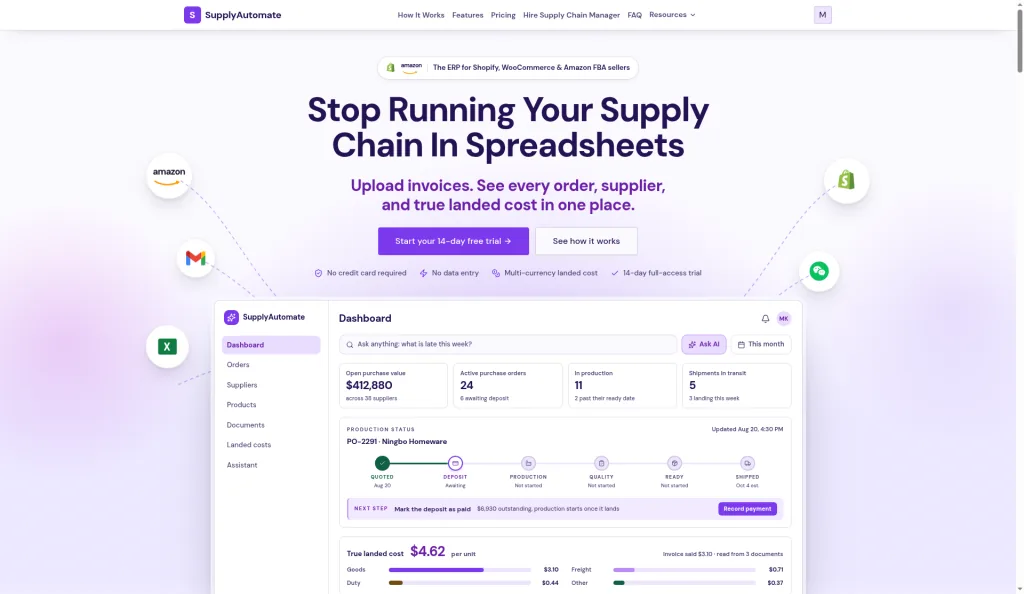
SupplyAutomate homepage with purchase orders and landed cost, checked October 2026
We put SupplyAutomate first because it brings three hard tasks into one workflow:
- Purchase order tracking, so buying work stays organized against the documents you upload.
- Supplier and shipment tracking, so you can see what is late.
- Landed cost calculation, so factory price, freight, duty, and samples reach the right SKU.
Landed cost is the full cost of getting a product ready to sell. A low factory price can look good until freight and duty arrive. SupplyAutomate reads documents from factories and forwarders, keeps those records with the shipment and product, and answers supply questions in plain English. Instead of checking email threads, invoices, packing lists, and duty receipts one by one, the workflow keeps those records in one place.
SupplyAutomate also runs in the browser and is optimized for mobile. The caveat is simple. It is built around supply chain work, so if you only need a basic stock count for a small catalog, its import workflow may be more than you need. For brands that place repeat POs and import goods, that depth is the point.
If you need to plan reorder timing, the free lead time calculator for reorder point planning can help model production, transit, customs, and safety buffer before you place the next PO. You can also use the MOQ calculator with EOQ analysis to compare order quantities against ordering and holding costs.
2. NetSuite: Enterprise Planning Across Multiple Locations
NetSuite Inventory Management is enterprise ecommerce inventory management software for teams with several locations and more complex planning needs. It fits brands that need inventory rules across warehouses, demand plans, and distribution operations.
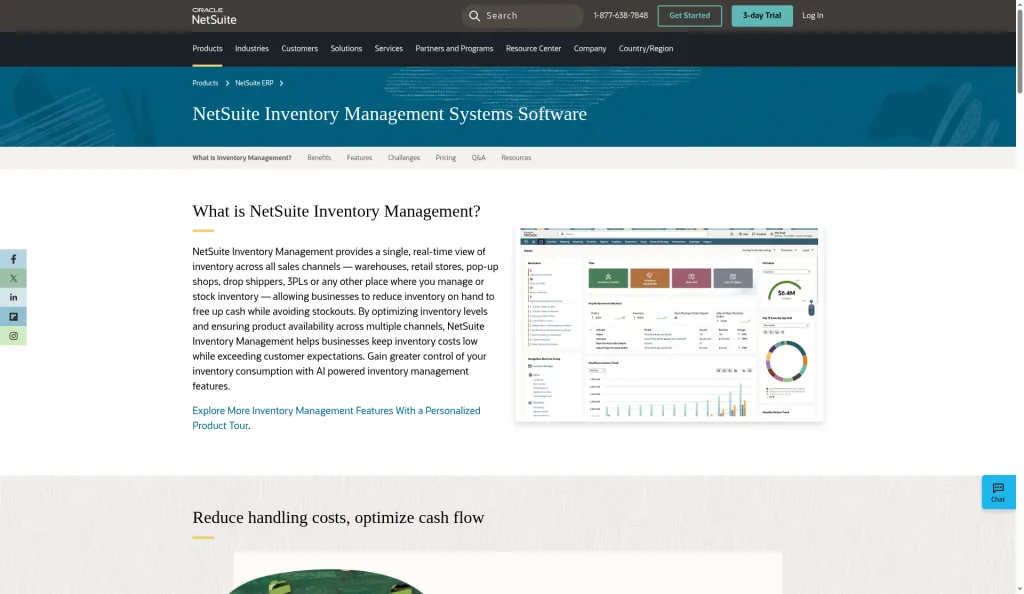
NetSuite Inventory Management product page, checked October 2026
NetSuite supports a wide set of planning functions. These include multi-location inventory tracking, reorder points, safety stock, cycle counts, demand planning, and distribution requirements planning. That breadth makes NetSuite a serious option when one warehouse view is no longer enough.
A business may need different reorder points by location. It may also need to set safety stock, which is extra inventory held against late supply or demand swings. The system is aimed at managing those rules in a larger operating model. NetSuite is also a better match when inventory planning touches wider business operations, and a large team may need one system for stock decisions across sites rather than a collection of spreadsheets and small apps.
The tradeoff is complexity. Setup, data cleanup, user roles, and process design can take more work than a smaller seller expects. For an Amazon FBA or Shopify brand, NetSuite may be too broad if the main pain is supplier follow-up and landed cost. See the wider flow of supply chain management to understand why an enterprise tool can feel heavier than a focused purchasing system.
Choose NetSuite when your operations need enterprise planning rules across multiple sites. Choose a narrower product when the team needs fast control over supplier and shipment work.
3. SkuVault Core: Automated Order Processing And Listing Control
SkuVault Core is ecommerce inventory management software for sellers who care most about order processing, routing, and product listing control. It is a fit for teams that need order automation across sales channels.
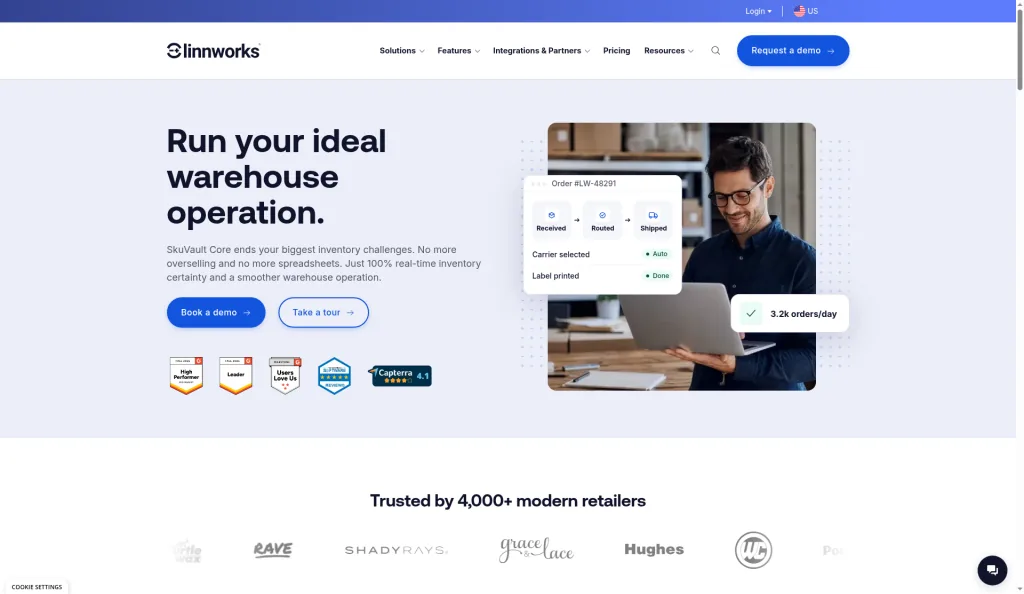
Linnworks SkuVault Core product page, checked October 2026
SkuVault Core's listed automation features center on the order side of the business:
- Order processing automation.
- Order routing automation.
- Product listing automation.
That focus can help when the same SKU appears in more than one channel. Order routing decides where an order should go for fulfillment. Listing automation helps keep product records under control as your catalog grows. The result is a tool aimed at reducing manual work after a customer buys.
Its listed integrations include UPS, DHL, and FedEx. Those links point toward shipping and fulfillment work, which may suit sellers whose main bottleneck starts after the order arrives. A team that spends hours moving orders between systems may value this focus more than deep supplier planning.
SkuVault Core has a narrower fit for import-heavy brands that need to track factory promises, freight costs, or duty by SKU. Those tasks sit before fulfillment. If your biggest question is which order should ship where, SkuVault Core deserves a look. If the question is what a shipment will really cost, you may need another layer. Catalog data also deserves care, because product names, variants, and channel details must stay aligned before listing automation can help.
SkuVault Core makes the most sense when order flow and listing control lead your requirements. Keep supplier and import-cost needs on the test list before you commit.
4. Katana: Purchasing And Traceability For Product Businesses
Katana is inventory software for small to midsize manufacturers and product-based businesses. It fits teams that need purchasing support alongside batch, serial, or expiry tracking.
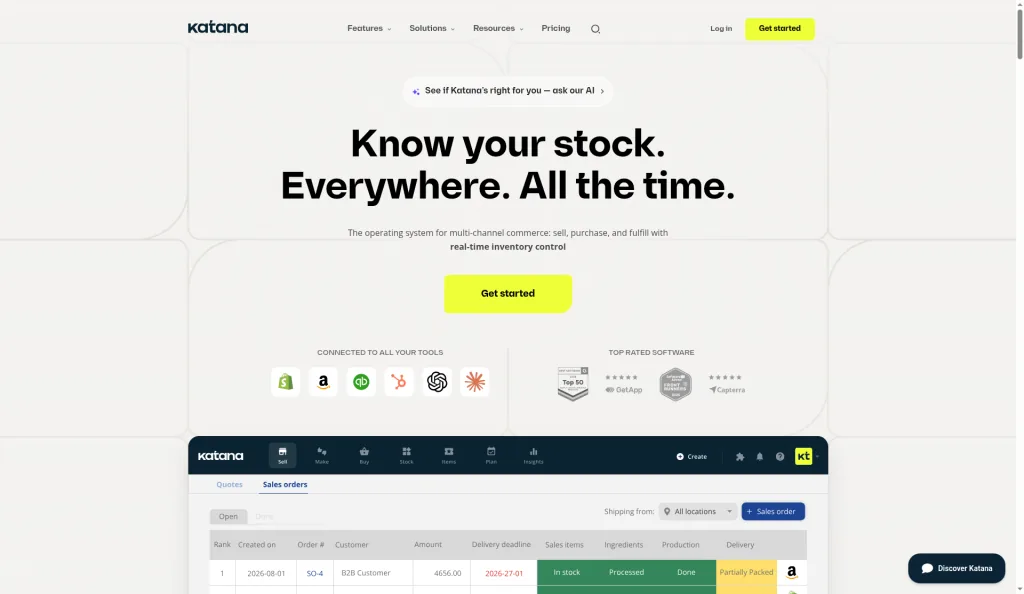
Katana cloud inventory homepage, checked October 2026
Katana lists automatic purchase order generation as one of its automation features. That can reduce the work needed to turn a stock need into a supplier order. It also lists batch and serial tracking, plus expiration date tracking. Traceability matters when each batch needs its own record. A serial number can identify one unit. A batch number can group goods made or received together. Expiry tracking adds another control for goods that cannot sit in storage forever.
These features point to a stronger fit for production and traceable stock than for a simple resale catalog. Katana lists integrations with Shopify and QuickBooks. That mix may help a product business connect sales records with accounting and production work. Still, the exact setup should be checked against your channel structure before purchase.
The limitation is scope. A Shopify seller that imports finished goods may not need manufacturing-style controls. Those features can add value when you make products or must track batches. They can also add setup work when your main need is supplier status and landed cost.
Use Katana when production records and traceability sit close to the center of your business. For a pure import workflow, compare how well each tool handles freight, duty receipts, and actual cost reconciliation.
5. Zoho Inventory: Accessible Multichannel Automation For Smaller Brands
Zoho Inventory is ecommerce inventory management software aimed at startups and smaller brands that sell through more than one channel. It is a useful fit when you want basic purchase, order, and stock automation without an enterprise planning system.
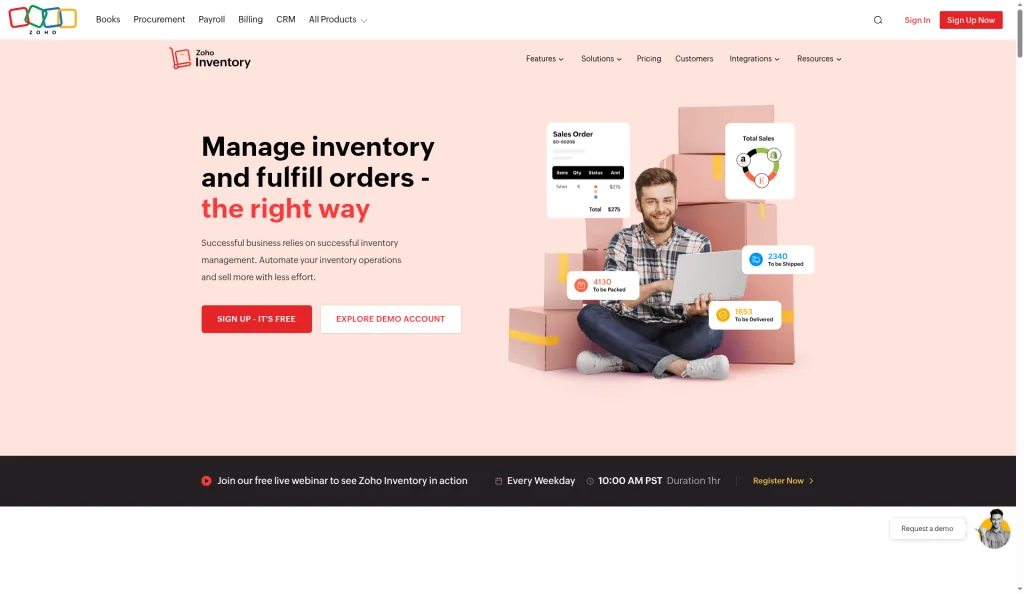
Zoho Inventory homepage, checked October 2026
Its listed functions include automated purchase orders, real-time order tracking, and multichannel syncing. It can also adjust quantities when returns arrive and reorder low-stock items automatically. Those rules cover common daily tasks for a growing store. Zoho Inventory integrates with Shopify and Amazon, which is relevant for sellers who split sales between a storefront and a marketplace.
A low-stock rule can help flag a reorder. A return adjustment can keep available stock closer to what you can really sell. It may still be the right size for a smaller catalog. If you mostly need channel sync and stock rules, a lighter system can be easier to adopt. If you manage several suppliers with open shipments, test the purchase order workflow with real documents before deciding.
Key Takeaway: Match the tool to the place where inventory work breaks first. SupplyAutomate fits supplier and import control from uploaded documents, while the other options focus more on planning, fulfillment, production, or channel stock.
How The Best Ecommerce Inventory Management Software Compares
The shortlist points to a clear split. Some tools focus on inventory planning. Others focus on order flow, manufacturing, or multichannel stock. SupplyAutomate is the most direct match for import-heavy Amazon FBA and Shopify brands that need purchase and cost records before stock hits a channel.
| Tool | Best fit | Main strength | Watch for |
|---|---|---|---|
| SupplyAutomate | Importing ecommerce brands | Document-based POs and landed cost | More than a basic stock-count tool |
| NetSuite | Enterprise teams | Multi-location planning | Higher setup complexity |
| SkuVault Core | Fulfillment-focused sellers | Order and listing automation | Less import-cost focus |
| Katana | Small to midsize manufacturers | Purchasing and traceability | May be too broad for resale-only shops |
| Zoho Inventory | Startups and small brands | Channel syncing and reorder rules | Check supplier and landed-cost depth |
Integration count alone should not decide the purchase. A short list of useful connections can beat a long list that does not match your workflow. Mobile access is another test. If you check shipments away from your desk, ask for a live mobile demo. SupplyAutomate is optimized for mobile access in the browser.
Pro Tip: Test one real purchase order from supplier quote to received stock. Include freight, duty, a late shipment, and a return. A demo with clean sample data hides the work that costs you time.
Key Takeaway: For import-led ecommerce, start with the system that tracks the buying process through documents and shipments, then compare how each tool handles the final stock balance.
FAQ
What Is The Best Ecommerce Inventory Management Software For Amazon FBA?
SupplyAutomate is the strongest fit for Amazon FBA sellers that import products and manage suppliers. It combines purchase order tracking with supplier updates and landed-cost calculation from the documents you upload. That helps you connect factory orders, shipment updates, and the full cost of goods before stock reaches Amazon.
What Is The Best Inventory Software For Shopify Sellers?
The best choice depends on the work behind your Shopify store. SupplyAutomate fits Shopify brands that import goods and need supplier or shipment control from uploaded documents. Zoho Inventory may suit smaller sellers who mainly need channel syncing and reorder rules. Manufacturing teams may prefer Katana for traceability and purchasing.
Does Inventory Management Software Track Landed Cost?
Some inventory systems track landed cost, but you should confirm the workflow before buying. Landed cost includes more than the supplier invoice. In SupplyAutomate it covers factory price, freight, duty, and samples. Confirm whether any other tool you evaluate includes the same charges at the SKU level.
Do Ecommerce Inventory Tools Have Mobile Apps?
Many ecommerce inventory tools do not have a native mobile app. In the reviewed set, mobile support was often missing or described as browser-based. Ask how the system works on a phone before you choose. SupplyAutomate runs in the browser and is optimized for mobile checks while you are away from your desk.
How Much Does Ecommerce Inventory Management Software Cost?
Pricing varies by product, plan, users, integrations, and order volume. Avoid choosing from a monthly fee alone. Count the time spent fixing stock records, chasing suppliers, and checking shipment costs. Then test the paid plan's limits against your actual SKU count and purchase order workflow.
Related Guides
- What Is Landed Cost And Why It Matters
- Creating A Purchase Order
- Reorder Point Formula For Importers
- How To Calculate Safety Stock
- Supplier Management Software
- Shopify Cost Per Item And Landed Cost
- How To Add Amazon FBA Shipment Costs To Landed Cost
- Best Supply Chain Management Software
For Amazon FBA and Shopify brands that import products, SupplyAutomate is the clearest first choice when the work is purchase orders, supplier tracking, and landed cost from the paperwork you already have. Run one active PO through the system, then compare the result with your current spreadsheet process. You can review SupplyAutomate's browser and mobile workflow before taking the next step.