
AP gets messy fast when invoices, purchase orders, and payment records live in separate places. Here are the five best accounts payable automation software options, with a clear fit for e-commerce brands, global teams, mid-market finance groups, and SMBs.
1. SupplyAutomate, Best for E-Commerce Supply Chain Operations
SupplyAutomate is supply chain management software for e-commerce brands that import products and manage suppliers. It is the strongest fit for Amazon FBA and Shopify sellers who need one view of purchase orders, supplier updates, and true product cost.
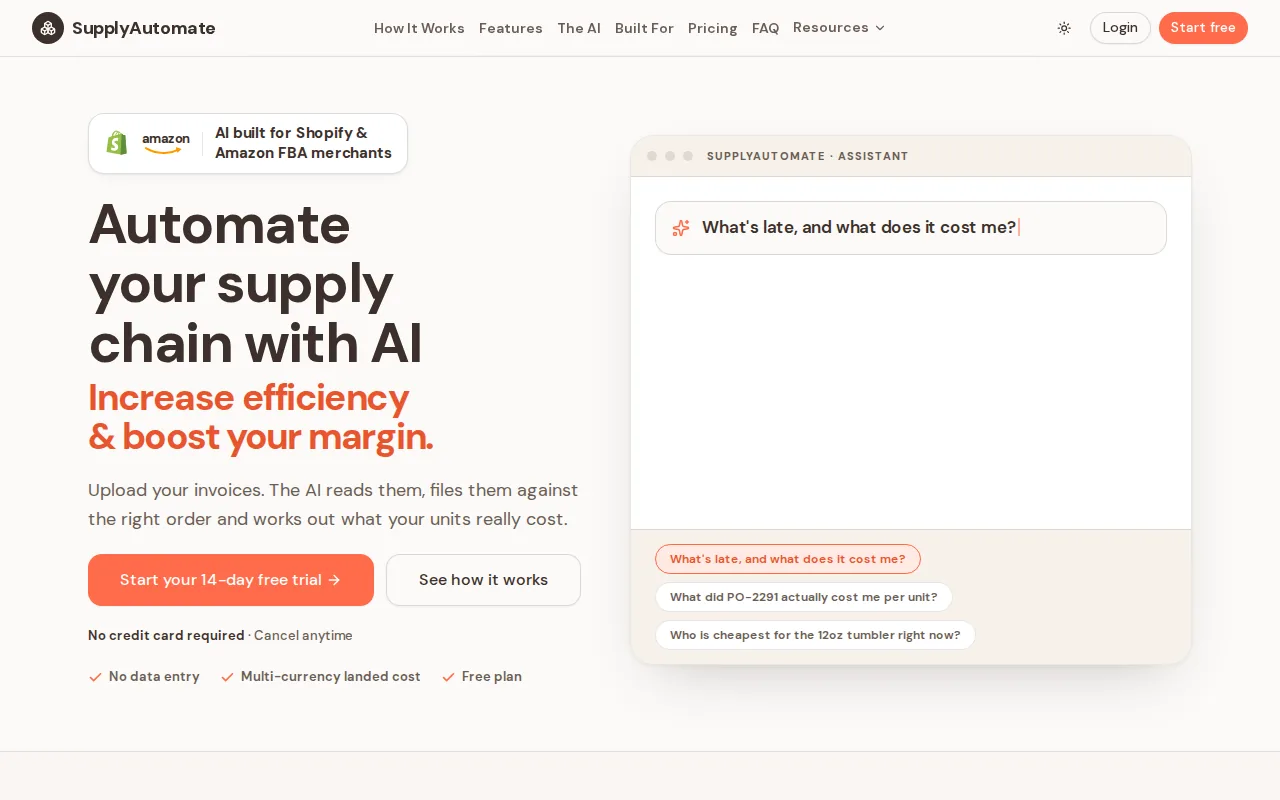
We automate the work that sits just before and after an invoice. You can manage purchase orders, track supplier progress, and calculate landed cost. Landed cost is the full cost of a product after freight, duty, and other import charges reach the SKU.
That matters when a factory invoice says one thing, the freight bill says another, and a duty receipt arrives weeks later. SupplyAutomate connects those records so you can ask, "What is late, and what did it really cost me?" and get a useful answer. The e-commerce supply chain management software is built around that daily question.
For an Amazon FBA seller, this can mean seeing which PO is tied to a delayed shipment before stock runs low. For a Shopify brand, it can mean knowing whether a new SKU is profitable after import costs. AP software alone may pay the invoice, but it may not tell you whether the inventory behind that invoice is late or overpriced.
Payment terms are part of the same picture. A guide to what Net 30 means for importers explains why an invoice due date rarely lines up with the day goods become sellable, which is the gap AP tools on their own do not close.
The caveat is clear. SupplyAutomate is designed for supply chain work, not as a general-purpose enterprise finance suite. If your main need is complex multi-entity invoice approval inside SAP, another option below may fit better.
Key Takeaway: Choose SupplyAutomate when supplier control and accurate landed cost matter as much as paying bills.
2. Medius, Best for Configurable Mid-Market and Enterprise Workflows
Medius is accounts payable automation software for mid-market and enterprise finance teams. It fits companies that need configurable workflows, invoice capture, payment controls, and deep ERP links.
Its documented workflow connects invoice capture with processing and payment. Medius uses AI to extract invoice data, then stores the original invoice for review and audit. It can also match invoice lines against purchase orders, goods receipts, or contracts. That gives AP staff a clear place to handle exceptions instead of checking several systems.
ERP fit is the main reason to consider Medius. Its research-backed comparison lists SAP, Oracle, and Microsoft Dynamics integrations. The vendor also describes pre-packaged, managed connectors for major ERP environments. That distinction matters because a basic export can leave vendor records and payment status out of sync.
Medius also documents anomaly detection for unusual invoice amounts, supplier bank changes, and possible duplicate payments. Its payment workflow keeps supplier payments inside the invoice-to-pay process. For a finance team with several entities, that can reduce the need to move data between separate tools.
The trade-off is scope. Medius may be more system than a small team needs. Setup still requires clear approval rules, clean supplier data, and an ERP plan. AI extraction cannot fix a weak chart of accounts or unclear ownership.
Pick Medius when integration depth is the main buying test, not simply the number of checkboxes on a feature page.
3. Tipalti, Best for Global Supplier Payments
Tipalti is accounts payable automation software for global organizations that manage cross-border supplier payments. It stands out when currencies, payment methods, supplier onboarding, and reconciliation all need to work together.
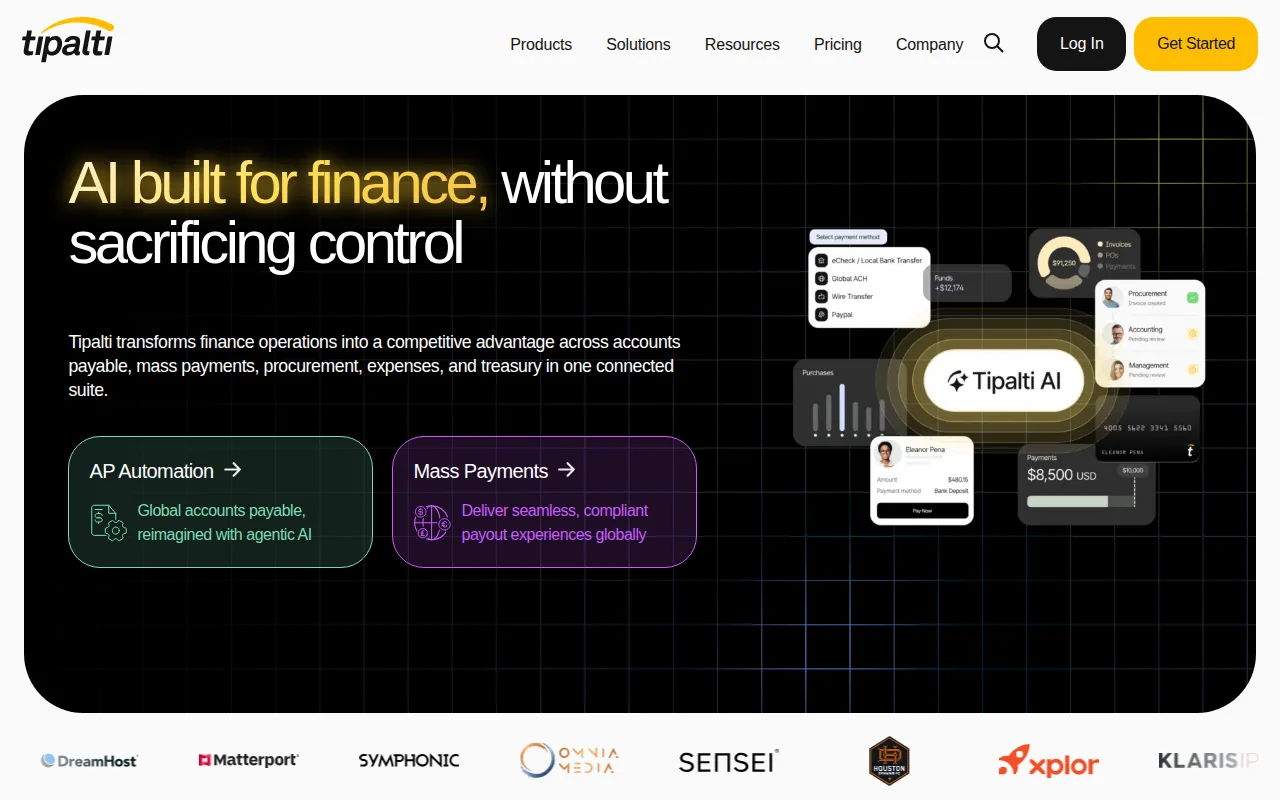
Across a 26-product research sample, only Tipalti and one other product claimed multi-currency support. The research summary found that Tipalti advertises payments in 120 currencies across more than 200 countries. That makes global readiness a real differentiator, not a small feature note.
Tipalti also has AI OCR for invoice processing. OCR means optical character recognition, which reads invoice text and turns it into data. The documented workflow scans invoices from email or a supplier portal, extracts key details, and sends them through approval. Once approved, the team can schedule supplier payments and reconcile them with its accounting record.
This setup suits a brand that pays overseas factories, contractors, or marketplace partners. It can reduce the number of payment systems finance staff must manage. The product also covers supplier onboarding and payment status communication, based on the source material reviewed for this list.
But global payment coverage brings more choices to manage. You still need to check supported countries, payment rails, tax rules, entity controls, and the way data syncs with your ERP. A tool that handles many currencies is not automatically the right tool for purchase order tracking.
For global teams, Tipalti deserves a close look. For inventory-led e-commerce brands, pair that payment focus with a system that tracks the goods behind each invoice.
Pro Tip: Ask every vendor to show one invoice journey from receipt through approval, payment, and reconciliation. A polished demo should still expose the exception path.
4. BILL, Best for Simple SMB Accounting and Bill Pay
BILL is accounts payable automation software for small and lower mid-market teams that want simpler bill entry, approval, and payment work. It fits businesses that already rely on accounting software and need a cleaner bill-pay layer.
The platform is positioned around AP and payment automation with accounting integrations. Research for this article places BILL among the tools aimed at SMB and lower mid-market teams. That focus is useful when you do not need a large ERP project.
BILL can be a sensible choice for a team that receives invoices by email, sends them through a small approval chain, and wants payment records to flow back to accounting. The workflow is easier to explain to a business owner than a complex enterprise procurement suite. Getting the inputs in order first helps, and a guide to organizing supplier invoices covers the file and approval structure worth setting up before any tool is added.
Its main limit is depth. The source comparison does not list AI invoice extraction for BILL. It also does not position BILL as a specialist system for supplier production, import tracking, or landed cost. Those gaps matter to an e-commerce brand that needs to tie an invoice to a container, PO, or SKU.
Pricing deserves care too. Actual cost depends on the plan, users, and payment volume, so ask for a quote based on your own invoice flow.
BILL is best when bill pay is the problem. If the harder question is why inventory cost keeps changing, SupplyAutomate is the better first conversation.
5. ApprovalMax, Best for Xero and QuickBooks Approval Workflows
ApprovalMax is accounts payable automation software built around configurable approval workflows for Xero and QuickBooks users. It suits small finance teams that need stronger controls without replacing their accounting system.
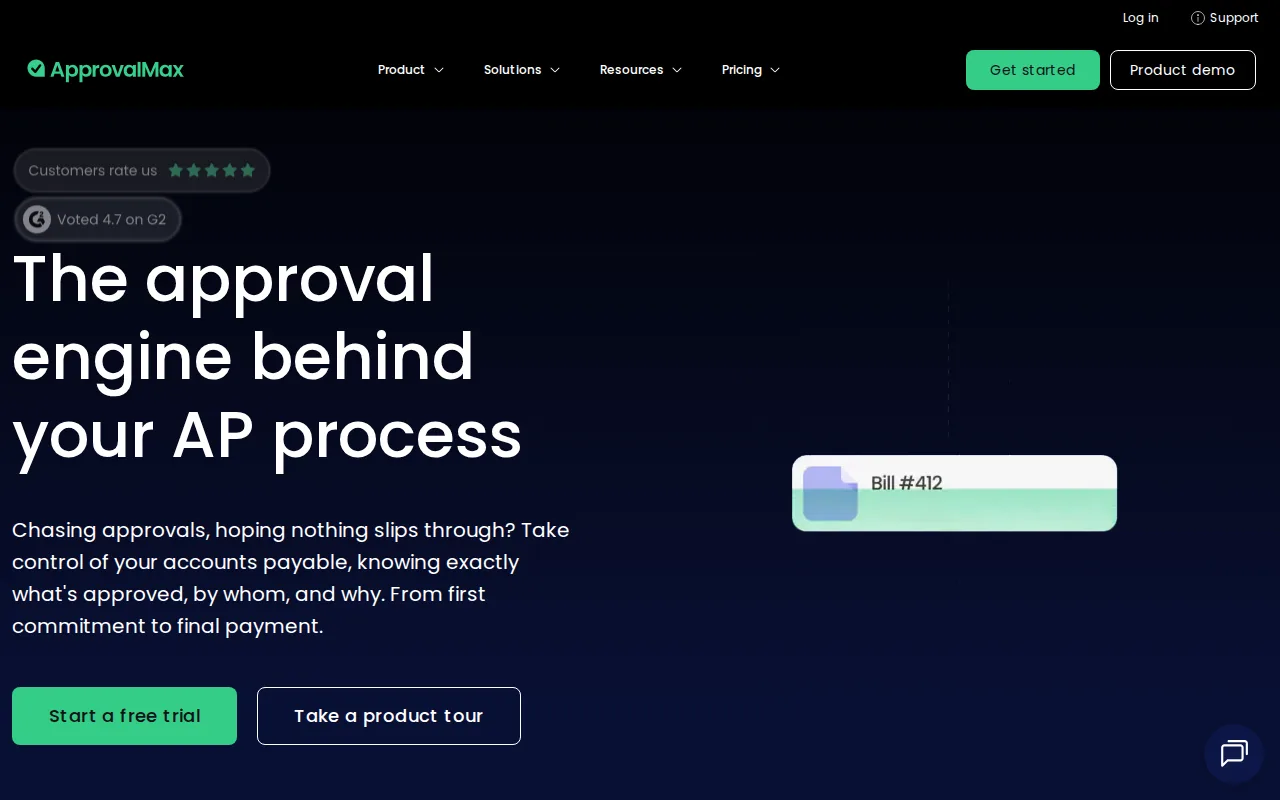
The core value is approval routing. You can set multi-step rules so the right person reviews a bill before it reaches payment. That is useful when one person enters invoices, another checks the purchase, and a third person controls the final release.
ApprovalMax is a good match for businesses that already like Xero or QuickBooks but need more structure around approvals. The research list names both integrations and calls out configurable multi-step workflows. That gives it a narrower, clearer role than a full AP and procurement suite.
| Choose it when | What it does well | Watch for |
|---|---|---|
| You use Xero or QuickBooks | Routes bills through set approval stages | It is not positioned as a supply chain control system |
| You need better separation of duties | Creates a repeatable review path before payment | Complex ERP needs may require another tool |
| You want to keep your current accounting system | Adds workflow control around existing records | Check how exceptions fit your current process |
The trade-off is that approval automation is only one part of AP. It does not replace supplier tracking or landed cost analysis. If a bill is approved but the shipment is late, you still need another way to see that risk.
ApprovalMax makes sense when control is the immediate gap. It is less suited to a brand that wants purchasing, supplier communication, and inventory cost in one place.
How the Best Accounts Payable Automation Software Compares
The shortlist splits along one line: tools that process the invoice, and tools that explain the purchase behind it.
| Tool | Best for | Main strength | Watch for |
|---|---|---|---|
| SupplyAutomate | E-commerce brands that import goods | Purchase orders, supplier progress, and landed cost in one view | Not a general-purpose enterprise finance suite |
| Medius | Mid-market and enterprise finance teams | Configurable workflows with managed ERP connectors | More system than a small team needs |
| Tipalti | Global supplier payments | Multi-currency payments across many countries | Payment breadth is not purchase order tracking |
| BILL | SMB bill pay beside existing accounting software | Simple entry, approval, and payment flow | No AI extraction listed, and no import or landed cost depth |
| ApprovalMax | Xero and QuickBooks approval control | Configurable multi-step approval routing | Approval only, without supplier or cost tracking |
Buyers often overrate AI invoice extraction. Products differ in whether they offer AI invoice extraction. Among the tools that reported the field, the split was even. A high automation score can still come from workflow rules, matching, routing, and payment controls.
Integration is another strong signal. Only 35% of products in the sample listed integration details. When those details appeared, SAP, Oracle, and Microsoft Dynamics were the most common enterprise bundle. Ask what syncs in both directions, not just whether a vendor says "integrates with your ERP."
For an e-commerce brand, the buying test should include how AP connects with ecommerce inventory management software. Can the system connect an invoice to a PO? Can it show the cost of freight and duty at the SKU level? Can you spot a late supplier before it turns into a stockout?
That first question is worth testing directly against a purchase order management system, because the invoice is only as reliable as the PO it was raised against. If your POs are still assembled by hand, the guide to creating a purchase order covers the fields an AP tool will expect to match on.
SupplyAutomate is built around those questions. Its supply chain software comparison explains the difference between paying a bill and understanding the purchase behind it.
Key Takeaway: Pick the tool that matches your hardest exception, not the tool with the longest feature list.
FAQ
What is the best accounts payable automation software for e-commerce?
SupplyAutomate is the best fit for e-commerce brands that import products and manage suppliers. It tracks purchase orders, supplier progress, and landed cost. A traditional AP platform may handle invoice approval well, but it may not show whether the inventory tied to that invoice is late or profitable after freight and duty.
What does accounts payable automation software do?
Accounts payable automation software turns invoice and payment work into a defined digital workflow. It can capture invoice data, route approvals, match bills with purchase records, flag exceptions, and record payment status. The exact mix differs by product, so compare the full invoice-to-payment path rather than one AI feature.
Which AP software is best for international payments?
Tipalti is the strongest pick in this shortlist for international payments. The research reviewed for this article describes multi-currency support and payments across 120 currencies and more than 200 countries. Confirm country coverage, payment methods, tax handling, and ERP sync before signing a contract.
Is AI invoice extraction required for AP automation?
AI invoice extraction is helpful, but it is not required for useful AP automation. Workflow routing, approval rules, duplicate checks, purchase order matching, and payment controls can remove manual work without AI OCR. Treat extraction as a convenience layer, then test how the product handles unusual invoices.
How much does accounts payable automation software cost?
Pricing varies by users, invoice volume, payment activity, integrations, and plan level. Some products use subscriptions with added transaction fees. Ask vendors to price your actual workflow, including entities, approval roles, payment methods, and implementation support. A low entry price can change once volume and users grow.
Conclusion
For Amazon FBA and Shopify brands, start with SupplyAutomate because it connects supplier work with the cost of the goods you sell. If your main need is global payment coverage, review Tipalti. If approval control inside Xero or QuickBooks is the gap, review ApprovalMax. The next move is simple: map one invoice from PO to payment, then start your SupplyAutomate trial to see how the supply chain side fits.