
Shopify Stocky shuts down after August 31, 2026. If you rely on purchase orders, stock takes, supplier records, transfers, or reorder prompts, this is an operations change, not a small app swap. Here are the strongest Stocky alternatives for Shopify, Amazon FBA, and WooCommerce sellers, with the best fit and the tradeoffs for each.
One finding stands out: most alternatives focus on Shopify alone. SupplyAutomate is built for sellers who need Shopify and Amazon FBA in the same supply chain workflow.
1. SupplyAutomate
SupplyAutomate is AI-driven supply chain software for Shopify and Amazon FBA sellers who need better control over orders, suppliers, and costs.
We process supply documents, match them to orders, and show landed cost, which means the full cost after freight, duties, and related charges. Other published Stocky alternative roundups cover the same shortlist from a different angle. For sellers evaluating document capture and payment workflows, purchase invoice processing software for Shopify and Amazon FBA can be an important part of the comparison. That gives you a clearer view of margin before you reorder.
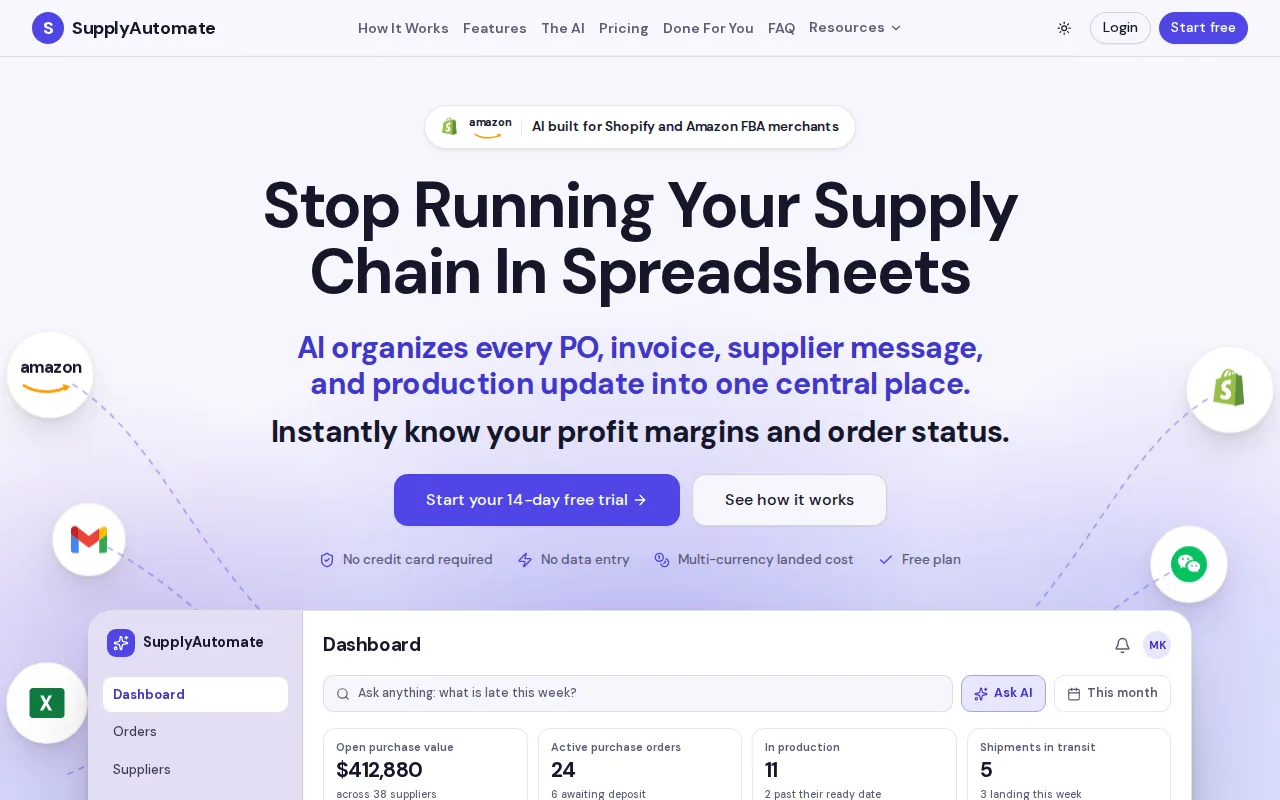
The dual-channel focus is the key difference. Many Stocky replacements sync Shopify inventory but stop there. SupplyAutomate is aimed at the harder case: stock and purchasing decisions that affect both your Shopify store and Amazon FBA account.
There is no listed free tier. That makes it a poor fit if you only need basic counts. But for a brand dealing with supplier paperwork, multiple currencies, and changing freight costs, a low-cost app can become expensive when the numbers stay wrong.
Key Takeaway: Choose SupplyAutomate when your main problem is supply chain control across Shopify and Amazon FBA, not just stock counts.
2. Sumtracker: multi-channel sync and purchase-order automation
Sumtracker fits Shopify brands that sell on more than one channel and need purchase orders, bundle automation, and inventory reports in one place.
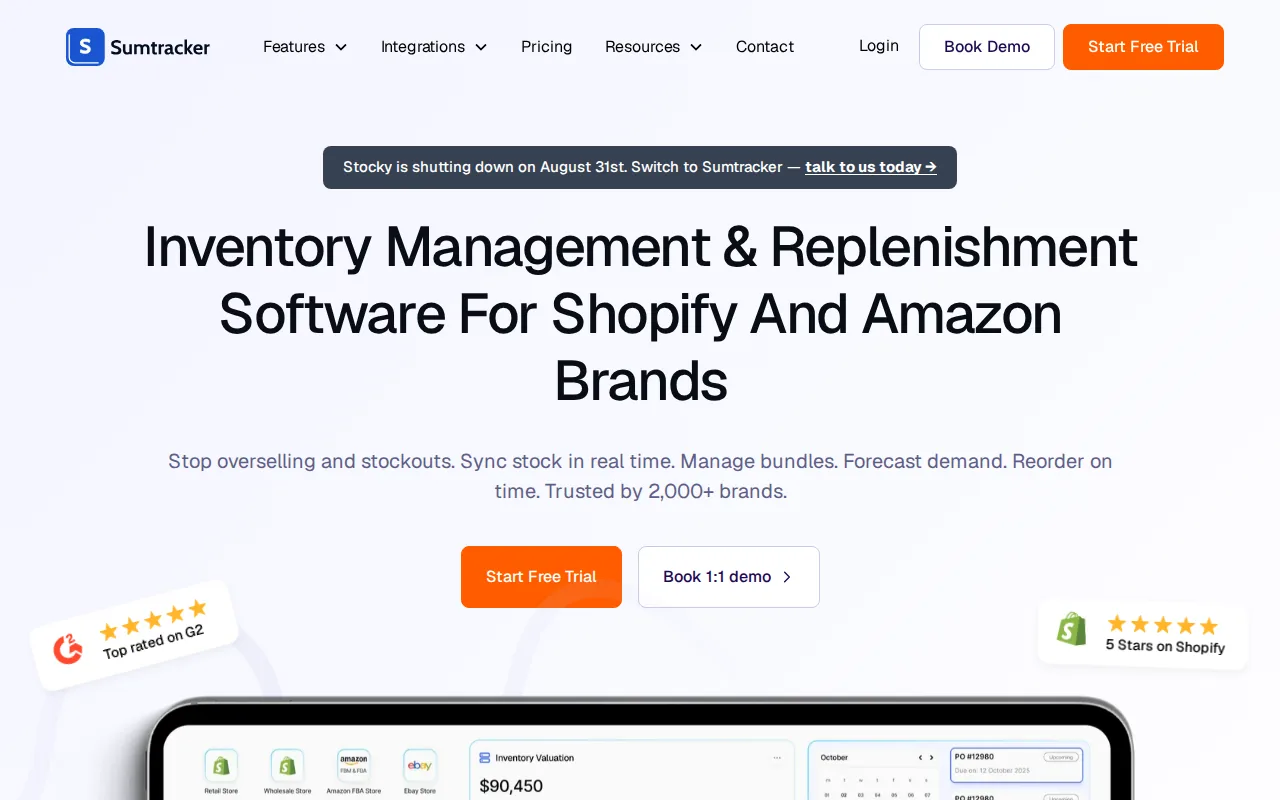
Its listed integrations include Shopify and Amazon. That matters if a sale on one channel must reduce available stock on another. It also supports purchase order workflows, bundle handling, and multi-channel sync.
Sumtracker is a strong match for a merchant who used Stocky for daily operations rather than advanced financial analysis. You can build a workflow around ordering, receiving, and keeping quantities aligned across channels.
The caveat is scope. Compare how it handles your real variants, bundles, and receiving rules before switching.
3. Fabrikatör: AI forecasting for seasonal and complex buying cycles
Fabrikatör is for Shopify merchants whose demand changes with seasons, launches, or planned stockouts.

Its listed tools include AI forecasting, one-click purchase order creation, and component-level bundle planning. Component-level planning matters when one finished product uses several parts that can run out at different times.
Think of a seasonal product that sells hard for six weeks, then slows down. A simple low-stock alert may arrive too late or push you to reorder after demand has already dropped. Forecasting can give that decision more context, and the reorder point formula for importers turns it into a trigger level you can act on.
Fabrikatör integrates with Shopify. It is less suited to a seller who needs Amazon FBA as a native part of the same workflow, so dual-channel brands should test the handoff carefully.
4. LitCommerce: lightweight channel synchronization
LitCommerce suits merchants whose main Stocky replacement need is keeping listings and quantities aligned across Shopify and Amazon.
Its listed strengths are bulk listing automation and fast channel sync. That can help when the catalog lives in Shopify but sales also happen on a marketplace.
This is a focused pick. If you need supplier records, forecasting, detailed stock takes, or purchase order control, LitCommerce may leave gaps. Its best use is simple channel coordination, not a full purchasing system.
Choose it when overselling is the problem. Look elsewhere when the bigger question is, “What should I buy next, and when?”
5. Katana: manufacturing, bills of materials, and raw-material tracking
Katana is for Shopify merchants who make their own products and need to track materials before finished goods reach the shelf.
Its listed capabilities include bills of materials, production orders, raw-material tracking, and component-level cost of goods sold. A bill of materials shows which parts make up one finished SKU.
That makes Katana a better Stocky alternative for a maker than a basic reorder app. A candle brand, for example, may need to track wax, vessels, lids, and labels before it can promise a finished unit.
Katana lists a free plan with a 30-SKU limit. That can help during an early test, but growing catalogs may outgrow it quickly. It integrates with Shopify, not the full Amazon FBA workflow described for SupplyAutomate.
6. Assisty: accessible reporting and inventory analysis
Assisty fits small to midsize Shopify merchants who need clearer inventory reports before they pay for a larger planning stack.
Its listed analysis tools include ABC analysis and dead-stock reporting. ABC analysis groups items by their sales or value contribution, while dead-stock reporting helps flag products that have stopped moving.
That is useful for a weekly review. You can spot slow items, question old purchase decisions, and decide which stock needs a sale or a pause.
Assisty has a free plan with limited features. The research notes that forecasting and purchase orders sit higher in its paid structure, so check the exact tier before treating the free plan as a Stocky replacement.
7. Inventory Planner: advanced forecasting for established Shopify stores
Inventory Planner is aimed at large, established Shopify stores with complex supplier relationships and steady sales data.
Its listed functions include demand forecasting, automated purchase order generation, and multi-channel visibility. Community discussions also position it as a close fit for purchase order creation, supplier costs, and receiving workflows.
This is the serious planning choice for a team that has outgrown spreadsheets. It can help connect sales history to replenishment decisions instead of making buyers inspect every SKU by hand.
The tradeoff is setup. A large catalog needs clean product data, supplier lead times, and clear rules for locations.
8. Qoblex: B2B, wholesale, and multi-warehouse operations
Qoblex is designed for Shopify merchants who run wholesale or B2B sales alongside direct-to-consumer orders.
Its listed strengths include B2B purchase orders, multi-warehouse sync, and accounting integrations. That combination matters when stock is split across sites and a wholesale order follows different rules from a normal online order.
Use Qoblex when location control is the hard part. A transfer should show where stock left, where it is going, and whether the receiving team has confirmed it.
The caveat is that its fit depends on your accounting setup and warehouse process. A single-location store may gain little from the added structure.
9. Forthcast: flat-rate AI forecasting and reorder points
Forthcast is for Shopify stores that want AI demand forecasting without a pricing model tied to SKU count.
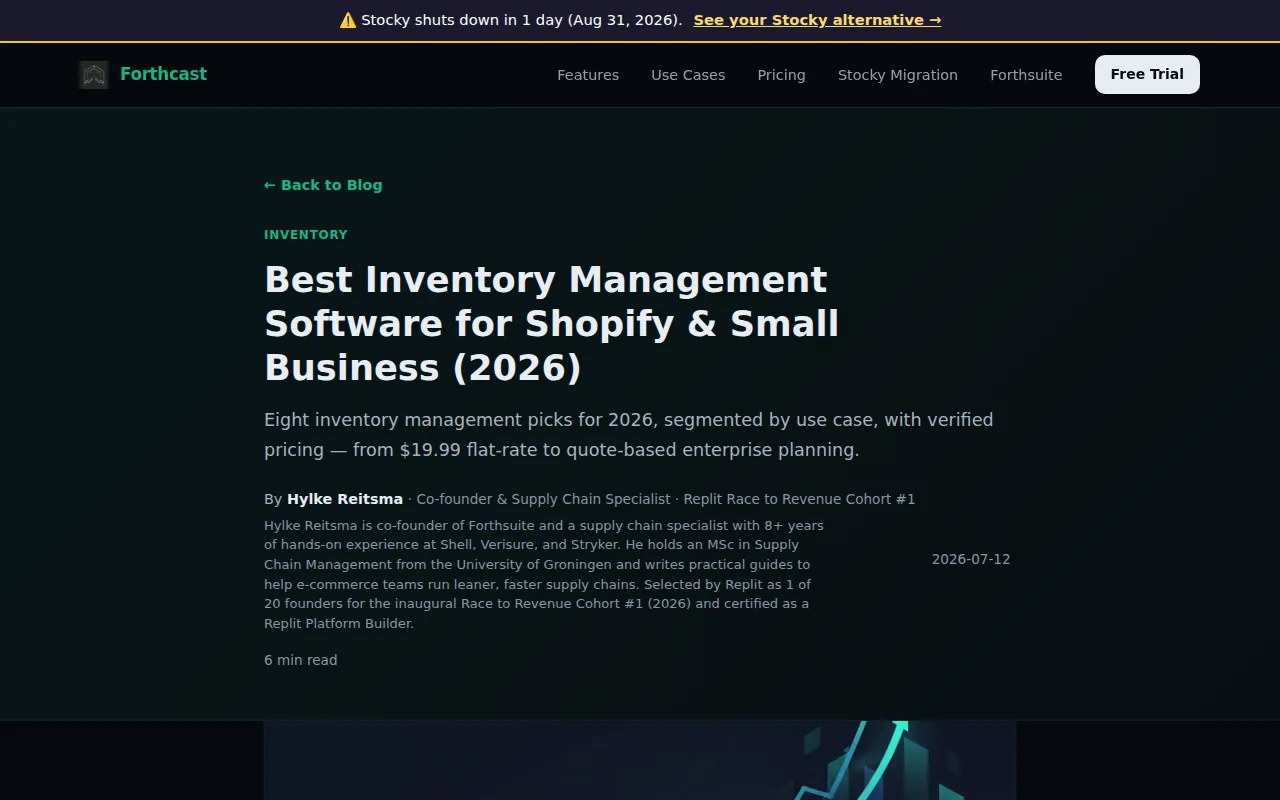
Its listed features include AI demand forecasting, automatic reorder points, safety stock calculations, and purchase planning. Safety stock is the buffer held to cover demand swings or supplier delays.
Forthcast is Shopify-focused. It may suit a DTC shop that needs better replenishment math, but it is not the first pick for a seller whose main challenge is Amazon FBA, supplier documents, or landed-cost tracking.
10. Cin7: warehouse workflows for multi-channel inventory
Cin7 fits multi-channel operations that need warehouse workflows and stock allocation across locations.
Its listed capabilities include automated stock allocation across locations and warehouse workflow automation. That can help when a Shopify order, marketplace order, and transfer all compete for the same pool of stock.
The main benefit is process control. A team can define where stock sits and how it gets assigned before a picker starts work. That reduces the risk of treating every unit as available when some stock is already committed or in transit.
Cin7 is broader than a lightweight Stocky replacement. Confirm which modules you need, who owns each inventory record, and how much setup your team can support.
11. Zoho Inventory: budget-friendly multi-channel basics
Zoho Inventory suits budget-conscious merchants who need basic multi-channel inventory management.
It is less suited to advanced forecasting or detailed supply chain cost work. You may still need a separate process for landed cost, supplier paperwork, and reorder logic.
For a small Shopify store with modest channel needs, that lighter approach may be enough. Keep the workflow narrow and review stock changes often.
12. EasyScan: barcode-led ordering, receiving, counting, and transfers
EasyScan is for Shopify merchants who need a full physical inventory loop, including ordering, receiving, counting, moving, and pick-pack work.
Its listed tools include purchase order creation, scan-to-receive barcode workflows, bin locations, stock counts, and transfers. This is the closest fit when your pain happens on the warehouse floor rather than in a forecasting meeting.
Barcode work also helps during a stock take. Staff scan the item, confirm the count, and reduce the chance of typing the wrong SKU into a sheet.
The limitation is focus. EasyScan helps control movement and count accuracy, but it is not presented as an AI forecasting or Amazon FBA cost system. Choose it for physical control.
How to Choose and Migrate From Stocky Before August 31, 2026
Start with the workflow that would hurt most if it vanished tomorrow. Stocky bundled several jobs, but your store may have relied on one more than the rest.
- Purchase orders: Test creation, supplier details, expected dates, partial receiving, and cost fields. For a broader buying workflow, compare procurement software for Amazon FBA and Shopify sellers against the features your team uses most.
- Forecasting: Check whether the tool predicts demand or only flags a fixed low-stock level.
- Stock takes: Test barcode scans, variance reports, adjustments, and history.
- Transfers: Confirm whether shipments can stay in transit before receipt.
- Suppliers: Save contacts, currencies, costs, and lead times outside Stocky.
- Channels: Confirm whether Shopify, Amazon FBA, and WooCommerce are supported where you need them.
Shopify’s native tools may cover basic purchase orders, transfers, receiving, and counts. They do not replace every planning task. Forecasting, suggested reorder quantities, supplier-level history, and bulk purchase order work may still need an app.
| Migration task | What to do | Pass condition |
|---|---|---|
| Export | Download every Stocky CSV available. | Files open and key fields are readable. |
| Supplier records | Copy supplier contacts and terms manually. | Each active supplier has an owner. |
| Reconcile | Compare Stocky counts with Shopify by SKU and location. | Differences have a written reason. |
| Parallel test | Run purchase orders, receiving, counts, and alerts in the new workflow. | Staff can complete the tasks without workarounds. |
| Go live | Set a cutover date before the sunset. | New orders and counts enter one source of truth. |
Pricing deserves its own check. A free tier may cover reports but exclude forecasting. A flat fee may stay stable as sales grow, while a revenue-based plan can rise with your store. Ask what counts toward billing: SKUs, orders, locations, revenue, or users.
For Amazon FBA and Shopify sellers, also check the cost layer when comparing Amazon FBA supply chain software. A purchase price alone does not show what an item earns after freight and duty. SupplyAutomate is the strongest fit when document processing and landed-cost insight belong in the same review as inventory.
Run one week of parallel work if you can. Use real receiving cases, a late shipment, a transfer, a returned item, and one stock adjustment. Keep the old exports until the new process has passed those tests.
Pro Tip: Don't wait for the shutdown date. Export Stocky data now, then test your replacement with your busiest SKUs first.
FAQ
What is the best Stocky alternative for Shopify?
The best choice depends on the Stocky workflow you need to replace. SupplyAutomate is the strongest fit for Shopify and Amazon FBA sellers who need supply chain automation and landed-cost insight. Inventory Planner fits advanced forecasting. EasyScan fits barcode-led warehouse work. Sumtracker fits multi-channel sync and purchase orders.
When is Stocky shutting down?
Stocky is scheduled to stop being available after August 31, 2026. Merchants should export records before that date because supplier information, purchase order history, and stock-take history may not move into Shopify automatically.
Does Shopify replace Stocky?
Shopify replaces some Stocky workflows but not the full app. Native tools can support basic purchase orders, transfers, receiving, and counts. Shopify does not provide the same complete forecasting, reorder suggestions, supplier history, or connected workflow by default.
What should I export from Stocky?
Export purchase orders, stock takes, inventory history, and cost data first. Copy supplier contacts by hand because supplier records may not export. Save screenshots or written notes for fields that cannot be downloaded, then reconcile the files against Shopify inventory before switching.
Are there free Stocky alternatives?
Some alternatives have free tiers or trials, but free access is limited. Check whether the free plan includes purchase orders and forecasting, rather than reports alone.
What should Amazon FBA sellers look for in a Stocky replacement?
Amazon FBA sellers should look for Shopify and Amazon integration, supplier document handling, landed-cost visibility, and inventory rules that work across channels. Many Stocky alternatives are Shopify-only. That can leave you copying quantities and costs between systems during each reorder cycle.
Conclusion
Choose the tool that replaces your most important workflow, not the one with the longest feature list. For Shopify and Amazon FBA sellers, SupplyAutomate is the clearest fit because it combines supply chain automation with landed-cost insight. Export your Stocky data today, then test the replacement with live purchase orders and counts before August 31.